
Genesys Cloud API: Authentication, Examples and Automation
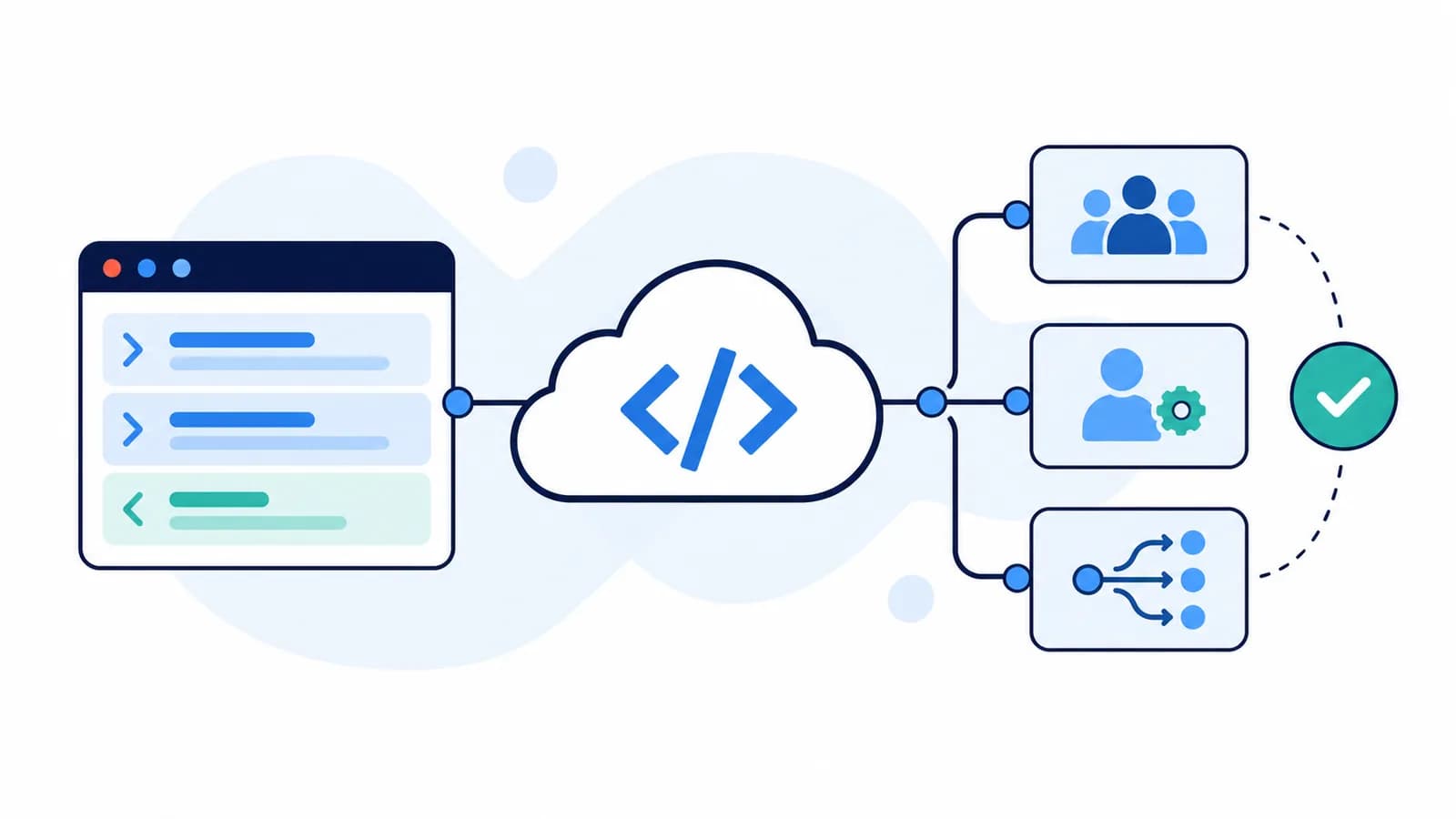
The Genesys Cloud API is a set of REST endpoints for reading data, managing configuration, and integrating Genesys Cloud CX with other systems. Developers and administrators use it to query queues, manage users, retrieve analytics, and automate tasks that would otherwise require repeated work in the Admin interface.
Start with the official API Explorer if you need endpoint documentation, request schemas, or permission requirements. This guide explains how to move from that reference to an authenticated request, a useful configuration inventory, and a controlled update in a test organization.
For a guided introduction, Genesys also provides an API learning path. The examples below focus on configuration administration, then explain how InProd adds validation and deployment evidence when those API changes become a regular release process.
What Can You Do with the Genesys Cloud API?
The Platform API exposes operations across several parts of a contact center. The operation you choose determines its request format, permissions, and authentication requirements.
| API area | Example use | What to check first |
|---|---|---|
| Routing and configuration | List queues, inspect routing settings, manage wrap-up codes | Object permissions and division access |
| Users and administration | Retrieve users and manage supported assignments | Whether the operation needs an application or a signed-in user |
| Analytics | Query operational metrics | Query intervals, filters, and endpoint-specific limits |
| Conversations | Work with supported interaction operations | User context and the current conversation state |
| Notifications | Subscribe to supported events | Subscription topics, connection lifecycle, and permissions |
The Genesys API overview links to the official tools and usage guidance. Use the endpoint reference to confirm support for a particular operation instead of assuming every Admin screen has an equivalent API.
This article covers Genesys Cloud CX, also historically called PureCloud. Genesys Engage, Multicloud CX, and PureConnect have different API families. Their authentication examples and endpoint paths should not be mixed with Cloud CX. The Genesys developer resources page explains the product families and their respective documentation.
Find the Endpoint and Choose the Correct Region
In API Explorer, search for the object or task, expand the operation, and inspect its method, path, parameters, request body, response, and required access. A useful first operation is:
GET /api/v2/routing/queues
A method and path are only part of the request. Your organization also has a regional API host and login host. For example:
| Organization region | Login host | API host |
|---|---|---|
| US East, Virginia | login.mypurecloud.com |
api.mypurecloud.com |
| US West, Oregon | login.usw2.pure.cloud |
api.usw2.pure.cloud |
| Europe, Dublin | login.mypurecloud.ie |
api.mypurecloud.ie |
| Asia Pacific, Sydney | login.mypurecloud.com.au |
api.mypurecloud.com.au |
These are examples, not the complete region list. Confirm your organization using the Genesys region guide and the Developer Center's regional API guidance. Use matching login and API hosts throughout a workflow.
The code below requires an explicit region setting so that requests target the intended organization.
Genesys Cloud API Authentication: Which OAuth Flow Should You Use?
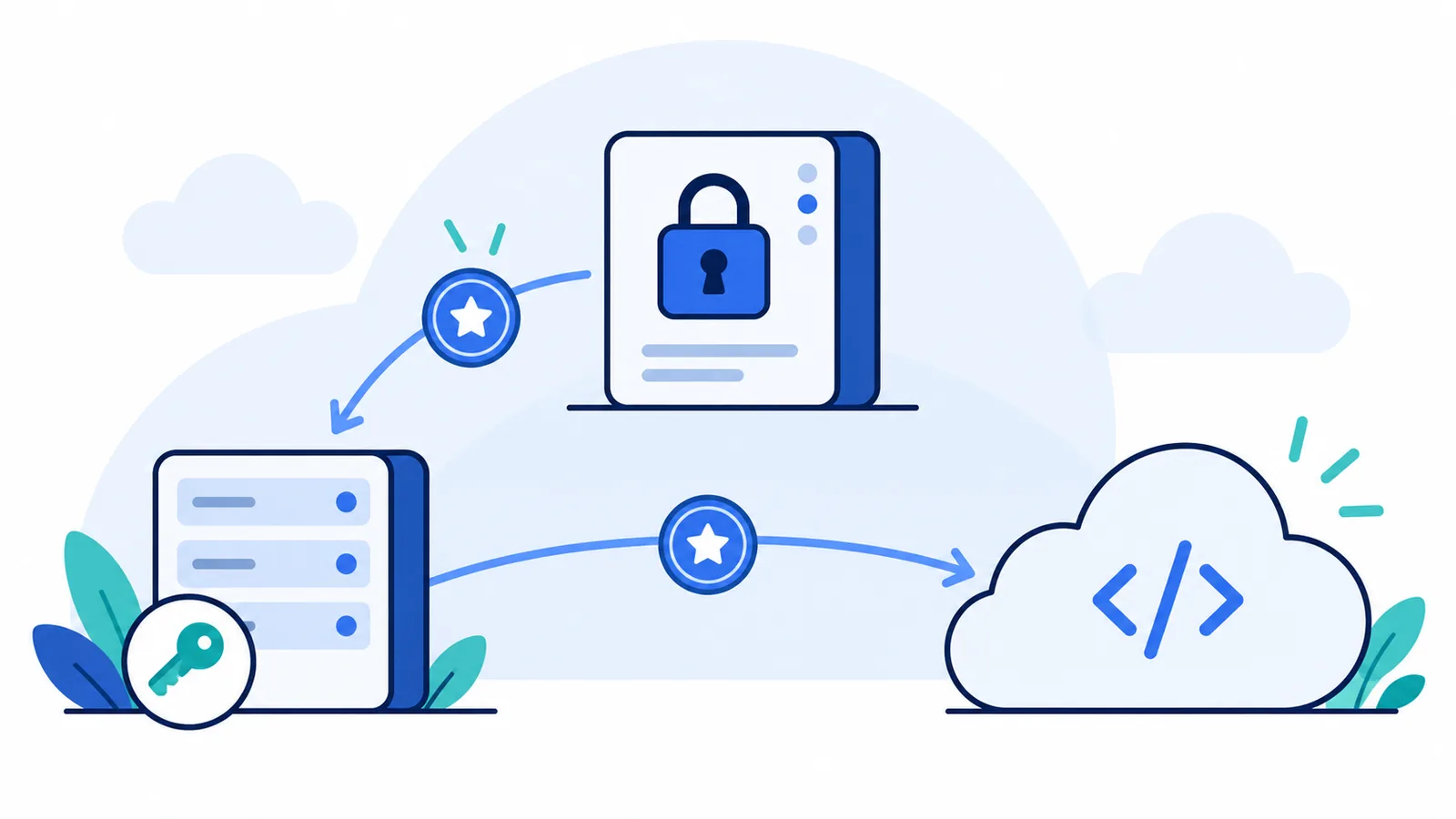
Choose the flow according to what is making the request.
| Application | Starting point |
|---|---|
| Unattended server job or configuration inventory | Client Credentials, where the endpoint supports application access |
| Browser or desktop app acting for a person | Authorization Code with PKCE |
| Backend web application acting for a person | Authorization Code, following the application architecture guidance |
Client Credentials identifies an application. It does not represent a signed-in agent or administrator. An endpoint requiring user context cannot be made compatible simply by assigning more roles to the client.
For unattended access, create an OAuth client with Client Credentials and assign the roles and divisions needed for the task. For user-context flows, also check the applicable OAuth scopes. Avoid treating scopes and roles as interchangeable: a valid token does not prove that a particular request is authorized.
Genesys no longer allows creation of new Implicit Grant clients after May 25, 2026; its current guidance recommends Authorization Code with PKCE for new implementations. Use current authentication documentation when adapting older examples.
Prepare a read-only client
For the queue example, verify routing:queue:view against the current endpoint reference and assign a role that includes it. Scope the role to the divisions the inventory should cover. For the wider access model, see Genesys Cloud roles, permissions, and access reviews. The official Routing API reference documents this operation and its pagination parameters.
Your script will need three environment variables:
| Variable | Value |
|---|---|
GENESYS_CLOUD_DOMAIN |
Regional domain, such as mypurecloud.com, without https:// or api. |
GENESYS_CLOUD_CLIENT_ID |
OAuth client ID |
GENESYS_CLOUD_CLIENT_SECRET |
OAuth client secret |
Supply credentials through your local secret tooling or your pipeline's protected secret settings. Keep tokens and secrets out of source files, screenshots, and request logs.
Make Your First API Request: List Queues
Save the following example as list-queues.mjs and run it with Node.js 20 or later after setting the environment variables above. It uses Node's built-in fetch, so there is no SDK installation step.
const domain = process.env.GENESYS_CLOUD_DOMAIN;
const clientId = process.env.GENESYS_CLOUD_CLIENT_ID;
const clientSecret = process.env.GENESYS_CLOUD_CLIENT_SECRET;

if (!domain || !clientId || !clientSecret) {
  throw new Error("Set the three GENESYS_CLOUD environment variables.");
}
if (!/^[a-z0-9.-]+$/i.test(domain)) {
  throw new Error("Use a regional domain without a URL scheme or path.");
}

const tokenResponse = await fetch(`https://login.${domain}/oauth/token`, {
  method: "POST",
  headers: {
    Authorization: `Basic ${Buffer.from(`${clientId}:${clientSecret}`).toString("base64")}`,
    "Content-Type": "application/x-www-form-urlencoded",
  },
  body: new URLSearchParams({ grant_type: "client_credentials" }),
  signal: AbortSignal.timeout(30000),
});

if (!tokenResponse.ok) {
  throw new Error(`OAuth token request failed: HTTP ${tokenResponse.status}`);
}

const token = await tokenResponse.json();
if (!token.access_token) throw new Error("OAuth response has no access token.");

const response = await fetch(
  `https://api.${domain}/api/v2/routing/queues?pageSize=25&pageNumber=1`,
  {
    headers: { Authorization: `Bearer ${token.access_token}` },
    signal: AbortSignal.timeout(30000),
  },
);

if (!response.ok) {
  throw new Error(`Queue request failed: HTTP ${response.status}`);
}

const result = await response.json();
console.log(JSON.stringify({
  pageNumber: result.pageNumber,
  pageCount: result.pageCount,
  queues: result.entities.map(({ id, name }) => ({ id, name })),
}, null, 2));
Run it with:
node list-queues.mjs
The script requests a token once, keeps it in memory, and reads the first page of queues. It does not change configuration. A successful response means the request worked with this client's access; it does not establish visibility into every division.
The following is an illustrative output shape, not data captured from a customer organization:
{
  "pageNumber": 1,
  "pageCount": 2,
  "queues": [
    {
      "id": "11111111-1111-4111-8111-111111111111",
      "name": "Billing-UAT"
    }
  ]
}
Here, queues is the script's simplified output. The raw API response uses entities and includes additional queue information. pageCount: 2 tells you that this example has another page to read.
Handle Pagination Before Calling It an Inventory
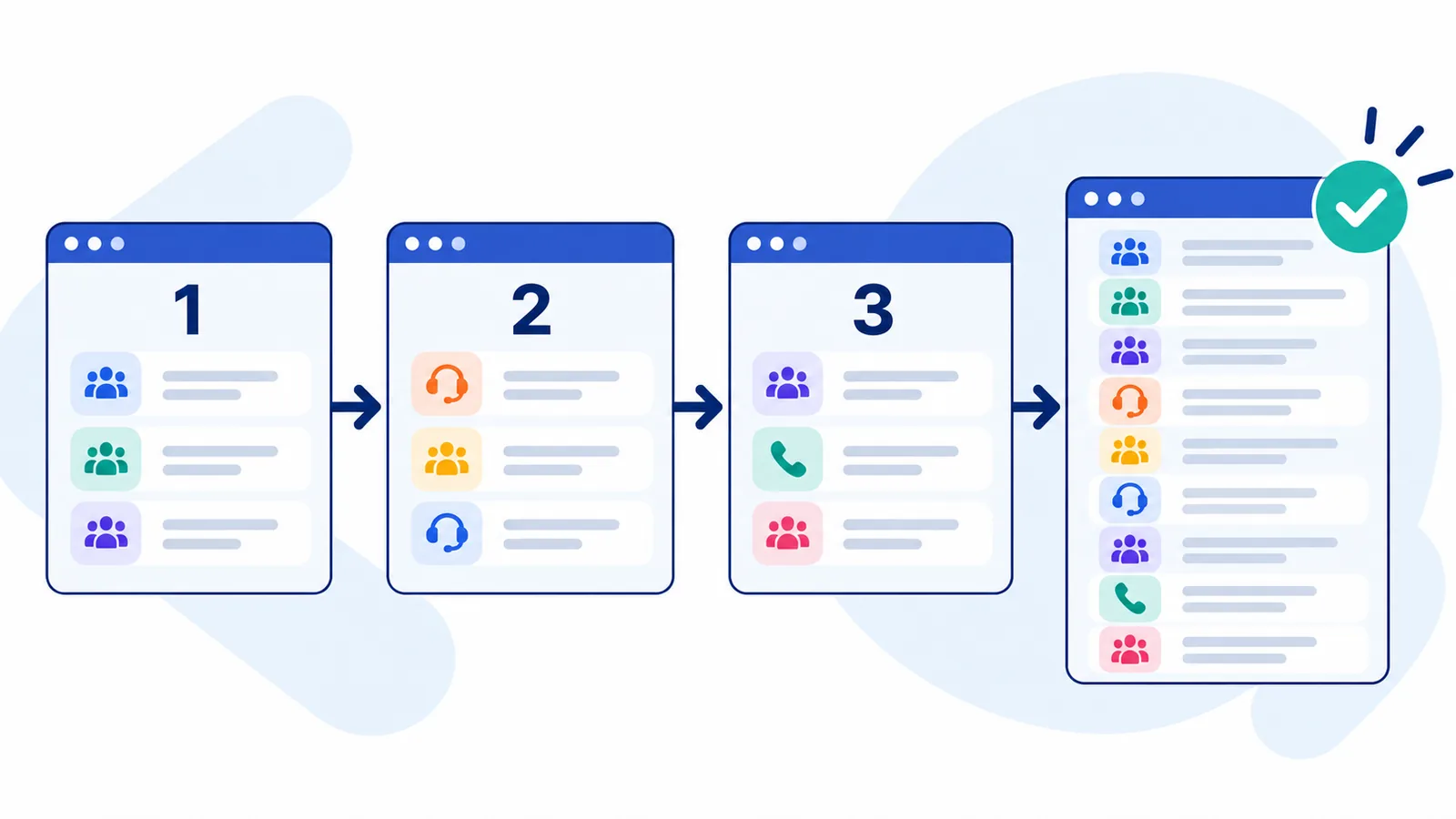
Reading one page can produce a convincing but incomplete inventory. Replace the queue request and output portion of the previous script with this loop, retaining its authentication code:
const queues = [];
let pageNumber = 1;

while (true) {
  const url = new URL(`https://api.${domain}/api/v2/routing/queues`);
  url.searchParams.set("pageSize", "25");
  url.searchParams.set("pageNumber", String(pageNumber));

  const response = await fetch(url, {
    headers: { Authorization: `Bearer ${token.access_token}` },
    signal: AbortSignal.timeout(30000),
  });
  if (!response.ok) {
    throw new Error(`Queue page ${pageNumber} failed: HTTP ${response.status}`);
  }

  const page = await response.json();
  if (!Array.isArray(page.entities)) {
    throw new Error(`Queue page ${pageNumber} has no entities array.`);
  }
  queues.push(...page.entities.map(({ id, name }) => ({ id, name })));

  if (page.entities.length === 0 || pageNumber >= page.pageCount) break;
  if (!Number.isInteger(page.pageCount)) {
    throw new Error("Missing pageCount; inspect the response before continuing.");
  }
  pageNumber += 1;
}

console.log(JSON.stringify({ count: queues.length, queues }, null, 2));
This retrieves pages sequentially and fails rather than reporting success after a page error. It remains a small example: a long-running job needs token-expiry handling and bounded retries for appropriate read failures.
Pagination contracts vary between endpoints. Use the parameters and continuation fields documented for the operation you are calling. Also remember that an inventory assembled during active administration can change between requests. If the output will drive a release, recheck the affected objects immediately before applying it.
Make a Controlled Configuration Update in a Test Org
A read-only query proves connectivity. A configuration update adds a different responsibility: knowing the target, the previous value, and how to verify the result.
As a small example, rename a dedicated test wrap-up code that is not used by live queues. The documented operation is:
PUT /api/v2/routing/wrapupcodes/{codeId}
The wrap-up code update reference requires routing:wrapupCode:edit. Reading the object first also requires its view permission. Verify the current request model in API Explorer before using it.
The following Bash examples require curl. Supply GENESYS_CLOUD_ACCESS_TOKEN from a token issued for the test organization, and set GENESYS_CLOUD_WRAPUP_CODE_ID to its dedicated test object's ID. These commands are separate from the Node script, which intentionally keeps its token inside the process.
First inspect the current object and retain its original name in your change record:
curl --fail-with-body --silent --show-error \
  --header "Authorization: Bearer ${GENESYS_CLOUD_ACCESS_TOKEN}" \
  "https://api.${GENESYS_CLOUD_DOMAIN}/api/v2/routing/wrapupcodes/${GENESYS_CLOUD_WRAPUP_CODE_ID}"
Then apply the proposed name:
curl --fail-with-body --silent --show-error \
  --request PUT \
  --header "Authorization: Bearer ${GENESYS_CLOUD_ACCESS_TOKEN}" \
  --header "Content-Type: application/json" \
  --data '{"name":"API-DEMO-UAT-REVIEWED"}' \
  "https://api.${GENESYS_CLOUD_DOMAIN}/api/v2/routing/wrapupcodes/${GENESYS_CLOUD_WRAPUP_CODE_ID}"
Read the object again to confirm the returned name. To reverse this specific rename, submit the original name through the same update endpoint after checking that nobody has made a subsequent change.
That reverses one field change. It is not a general backup or rollback mechanism. More complex objects may have different update semantics, dependencies, or recovery requirements. Do not assume that sending an entire GET response back to a PUT endpoint is valid.
Troubleshoot Genesys Cloud API Errors
| Symptom | What to investigate |
|---|---|
| Token request fails | Client ID, secret, regional login host, grant type, and any configured network restrictions |
401 Unauthorized on an API request |
Missing, expired, or invalid bearer token; matching regional hosts |
403 Forbidden |
Required permission, role assignment, division access, and applicable OAuth scopes |
| Error says the request requires user context | Whether the endpoint supports Client Credentials; use an appropriate user authorization flow if required |
400 Bad Request |
Request model, parameter types, required fields, and the API's error details |
404 Not Found |
Object ID, organization, path, and endpoint availability |
429 Too Many Requests |
Request rate, endpoint limits, concurrent jobs, and retry timing |
Use the permissions and scopes guide to inspect endpoint access requirements. A successful login and a successful API authorization are different checkpoints.
For rate limiting, consult the current Genesys limits documentation. Honor retry guidance returned by the service, including Retry-After when present, and use bounded backoff. Avoid copying a single requests-per-minute figure into every workflow: relevant limits can differ by operation.
A read-only request is usually easier to retry than a configuration write. If a write times out, inspect the current object before repeating it. The server may have applied the update even though your script did not receive the response.
For diagnostics, record the operation, HTTP status, target environment, time, and correlation information supplied by the API. Redact authorization headers and confidential response fields. A troubleshooting log should explain a failure without becoming another store of credentials or customer data.
REST, SDK, CLI, Terraform, or InProd?
These approaches serve different tasks and can coexist.
| Approach | Useful when | Responsibility that remains with the team |
|---|---|---|
| Direct REST calls | Learning an endpoint or building a narrow integration | Authentication, request handling, retries, and result checks |
| Official Platform SDK | Developing an application in a supported language | Business logic, SDK configuration, and endpoint-specific behavior |
| Genesys Cloud CLI | Running administrative commands or shell automation | Credentials, script control flow, and handling partial failures |
| Terraform / CX as Code | Managing supported resources declaratively | State, imports, review, and the delivery process |
| InProd changesets | Packaging and governing supported configuration changes across environments | Release policy, approvals, functional testing, and operational ownership |
The official Genesys JavaScript SDK provides a client library for applications, while the official Genesys CLI repository documents profiles, environment configuration, and commands. An SDK or CLI saves request plumbing; it does not automatically decide whether a production configuration change is approved or safe to repeat.
For declarative management, see CX as Code setup and examples. For the delivery process around those resources, use the Genesys Cloud Terraform and CI/CD guide.
Turn API Automation into Governed Configuration Changes
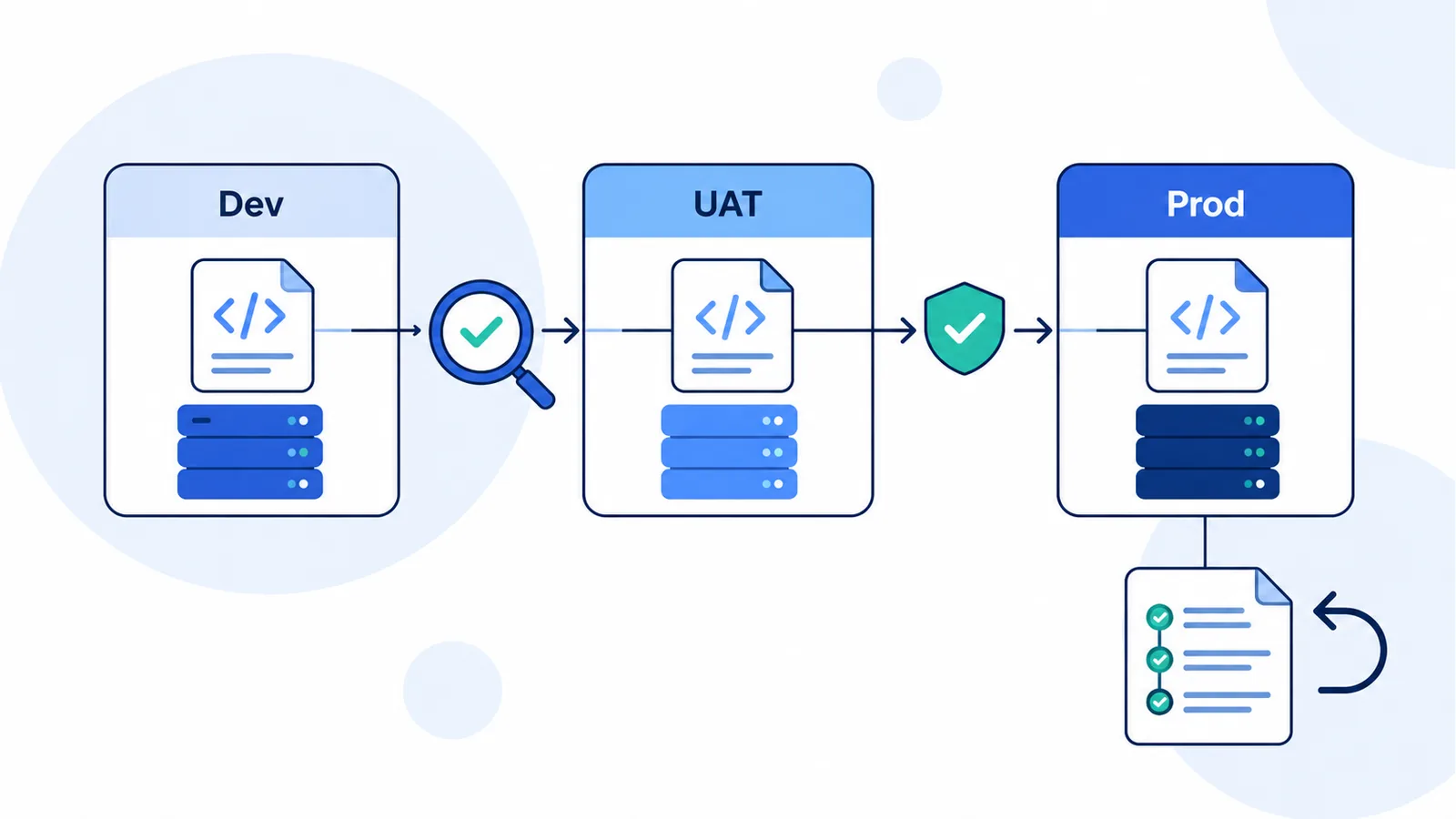
A script that renames one test object is straightforward. The work changes when a release touches queues, prompts, data actions, routing dependencies, and several organizations.
Consider a hypothetical billing change. The intended queue has different IDs in Development and Production. A data action points at different service endpoints. Production also received an emergency admin change yesterday. Repeating yesterday's API calls may succeed technically while applying an incorrect release.
The release process needs answers before execution:
- Which objects and fields are supposed to change?
- How will the target organization and its dependencies be resolved?
- Does the current state still match what was reviewed?
- What passed testing, and who approved promotion?
- Where will the result and previous configuration be recorded?
- What recovery action is available for each affected object?
InProd packages supported configuration actions as changesets, which can be stored as JSON or YAML and run through a Genesys Cloud CI/CD pipeline. Its validation and execution APIs allow the target environment to be supplied at run time.
The InProd API is separate from the Genesys Cloud Platform API. It uses an InProd tenant URL and InProd credentials. A Genesys bearer token does not authenticate a request to InProd.
For example, the InProd API documentation provides a validation endpoint for an exported changeset:
curl --fail-with-body --silent --show-error \
  --request POST \
  --header "Authorization: Api-Key ${INPROD_API_KEY}" \
  --header "Content-Type: application/json" \
  --data-binary @changeset.json \
  "https://${INPROD_TENANT_HOST}/api/v1/change-set/validate_json/?environment=UAT"
Here, INPROD_TENANT_HOST is your InProd hostname without a scheme, and changeset.json is an exported, reviewed InProd changeset. Validation checks the proposed configuration actions; customer-journey testing remains a separate step. For voice workflows, automated IVR testing checks the prompts, inputs, routing, and integrations that callers experience.
API-key validation runs asynchronously. A queued response is not a validation pass: retrieve the task result or process the documented callback, then check is_valid before permitting execution. Preserve the result with the release record.
The wider workflow is covered in Genesys Cloud deployment automation. Use configuration auditing to connect changes to operational evidence, and the configuration rollback guide to plan object-specific recovery. When production changes must be reflected in other environments, assess Change Sync separately from release promotion.
Frequently Asked Questions
Where is the Genesys Cloud API documentation?
Use the Genesys Cloud Developer Center and API Explorer. The Explorer shows operation paths, request and response models, and access requirements. Choose the Cloud CX documentation rather than an Engage or PureConnect API reference.
Can I use the API without writing an application?
Yes. API Explorer lets you explore requests interactively, while the CLI supports shell-based administration. Check the chosen operation and authentication context before executing a request that modifies configuration.
Why does my OAuth client authenticate but return no expected objects?
Check the organization, filters, pagination, and division access. Authentication establishes the client identity; the roles and divisions associated with that client determine what it can access. An empty page is not proof that the organization has no queues or users.
Does the Genesys Cloud API use API keys?
The Platform API examples here obtain an OAuth access token and send it as a bearer token. InProd has its own API-key authentication for its separate operational API. Use the credentials and authentication scheme documented for the service you are calling.
Can APIs automate changes across multiple Genesys Cloud organizations?
Yes, for supported operations. Each target needs the appropriate credentials, object mapping, and configuration values. For repeated releases, add a reviewed artifact, target validation, testing, approval gates, and execution evidence instead of relying on a list of copied IDs.
Start with a Useful Read, Then Build the Release Process
The first useful API workflow is often an inventory: authenticate, read the right objects, follow pagination, and prove that the result matches the intended organization and divisions. A controlled update in a test org then shows how request handling connects to configuration ownership.
As the workflow grows, make the change itself reviewable and recoverable. InProd brings changesets, validation, environment-aware execution, and configuration history to that process.
Discuss your Genesys Cloud configuration automation workflow.

Jarrod Neven
Contact Center Expert, Director at InProd Solutions
Jarrod has been working in the enterprise CX space since 2001. Before starting InProd, he spent several years as a CTI Solutions Architect at Genesys itself, working across the APAC region with enterprise and government customers, which gives him a different perspective on how their platforms actually work under the hood. He's been Director at InProd Solutions since 2016, helping organizations cut through the complexity of Genesys Engage deployments.