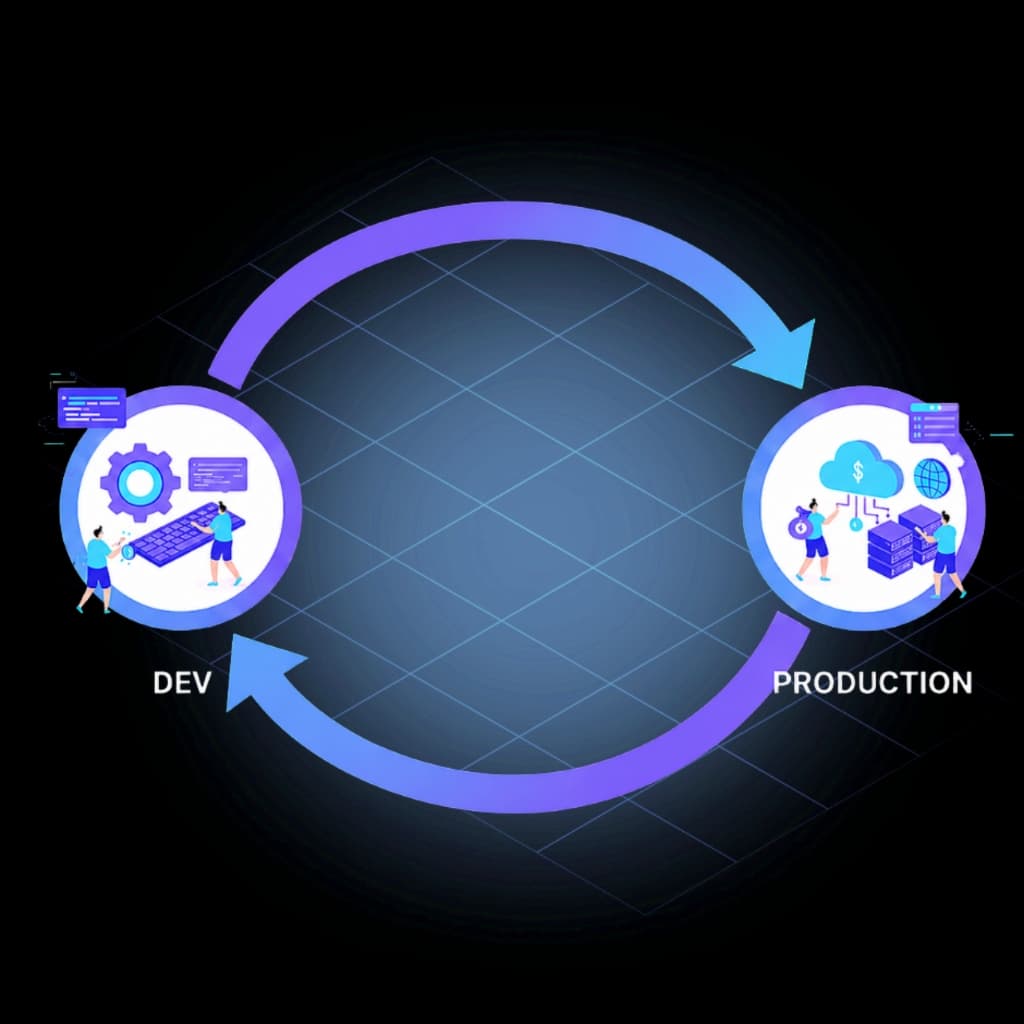
A Production-Grade Genesys Cloud CI/CD Pipeline.
The same change that passed UAT reaches production — validated, approved, audited, and recoverable.







The Pipeline Problem
Manual configuration promotion breaks down because it relies on engineers to perfectly replicate complex steps across multiple Genesys Cloud organizations. When environments diverge, a change that passes UAT can fail in production in ways nobody anticipated — because the two environments are no longer the same. A governed CI/CD pipeline is the operational foundation of any mature Genesys Cloud DevOps practice.
No pre-deployment validation
There is no native way to see the impact of a Genesys Cloud configuration change before it reaches the target environment. Teams deploy blind.
UAT drift breaks predictions
When environments aren't synchronized, UAT stops predicting production. Changes pass testing and fail live for reasons that have nothing to do with the change itself.
Admin UI changes disappear
Emergency hotfixes made directly in the Admin UI exist outside version control entirely. Production accumulates invisible changes that nobody can account for.
No rollback plan before deployment
Most teams only consider how to reverse a failed change after the outage has already begun — reconstructing previous state from memory under pressure.
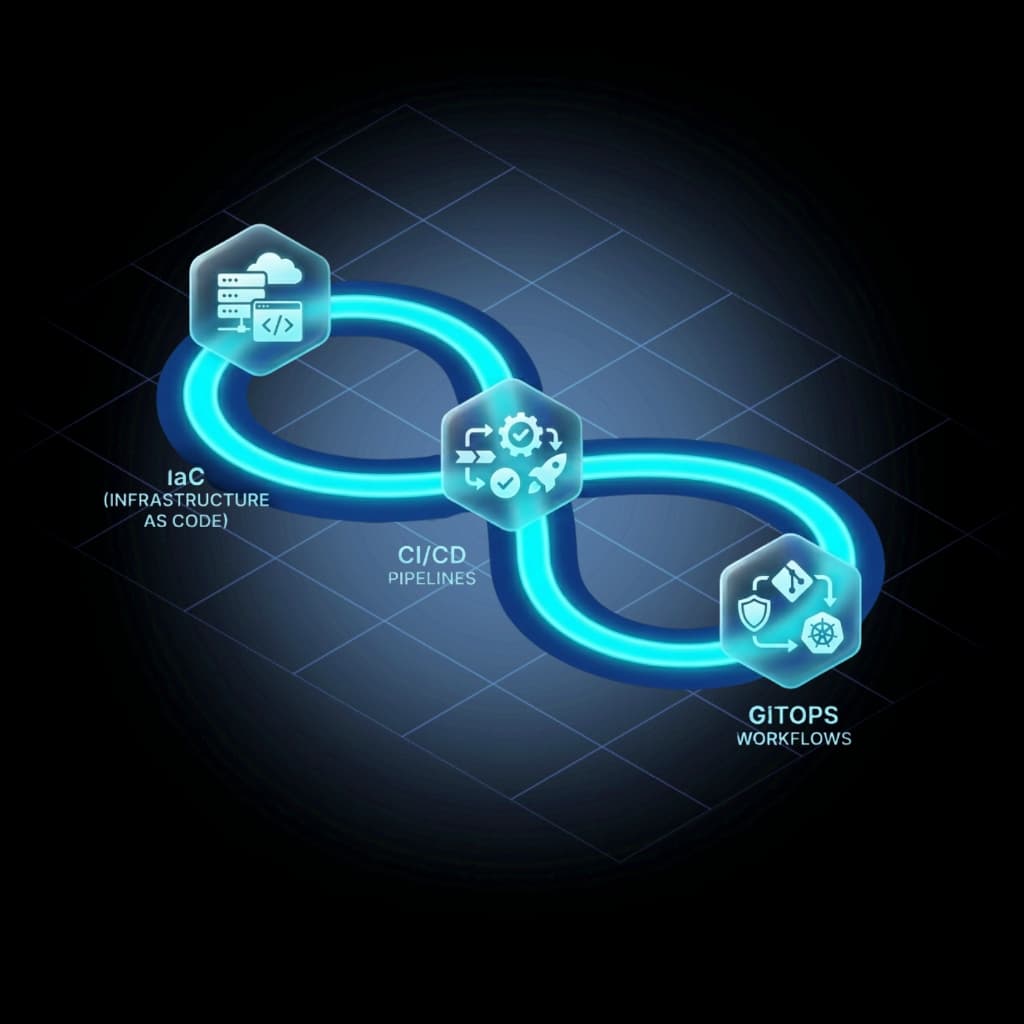
The Five Stages of a Governed Genesys Cloud CI/CD Pipeline
Every release follows the same path — from a reviewed definition to a recorded production deployment.
Configuration changes are defined as code, peer-reviewed in Git, and treated as the single source of truth before any deployment begins.
InProd executes the changeset in simulation mode against the target environment, identifying dependency issues and conflicts without modifying any live configuration.
The validated changeset promotes to UAT with environment-aware variable handling — the same artifact, adapted to the target org's scale and structure.
Production-bound changes enter an approval workflow where the right owners confirm the change meets operational requirements before execution.
The change deploys to production and an immutable record is generated — who changed what, when, from what previous value, and under which approval.
Core Pipeline Capabilities
Everything needed to move Genesys Cloud configuration changes safely from development to production.
Changesets
Group related Genesys Cloud configuration updates — queues, skills, data actions, routing policies — into a portable deployment unit that promotes through Dev, UAT, and Production as a single governed release.
Simulate Run
Execute your changeset against the live target environment in simulation mode before any change is made. See exactly what will be created, updated, or deleted — including environment-specific differences you would not otherwise catch until production.
Drift Detection
Identify when production has diverged from your source of truth before deployment. A Genesys Cloud CI/CD pipeline built on stale assumptions fails at the worst possible time.
Approval Gates
Require explicit sign-off before production deployment. Gates can be scoped by change type, environment, or risk level — so routine changes flow fast while high-impact changes get the scrutiny they need.
Deployment Records
Every production change generates an immutable record: who deployed it, what changed, what the previous values were, and which approval covered it. Supports compliance review and incident investigation.
Rollback
Point-in-time restore for individual objects, changesets, or entire environments — prepared before deployment, not improvised after an incident.
Need a complete audit trail for every configuration change? Configuration Auditing for Genesys Cloud →
Choose Your CI/CD Platform
InProd governs the Genesys Cloud deployment inside the pipeline your team already runs. Pick your platform for a step-by-step integration guide.

Production-ready pipeline template with protected environment gates, merge request validation, and Simulate Run at every stage.

Validate and deploy Genesys Cloud changesets on every pull request using the InProd GitHub Actions integration.

Integrate Genesys Cloud deployments into Azure Pipelines with native secret variable mapping and environment approval gates.

Run changesets through Jenkins using NodeJS or Docker agents as part of your existing build infrastructure.

Full support via the InProd npm package with dotenv and JSON status reporting for deployment evidence at each stage.

Approval-gated workflow promotion for Genesys Cloud changesets — validate on every branch, deploy through manual gates to UAT and Production.
Frequently Asked Questions
Does Genesys Cloud support CI/CD?
Yes. Genesys Cloud supports CI/CD through its public APIs, CX as Code, and the Genesys Cloud Terraform provider. The remaining work for enterprise teams is adding promotion gates, pre-deployment validation, drift detection, audit history, and rollback — which is where InProd fits.
What is the difference between CX as Code and a CI/CD pipeline?
CX as Code is Genesys' Terraform-based capability for defining and applying configuration. A Genesys Cloud CI/CD pipeline is the governed workflow that moves those definitions safely through Dev, UAT, and Production — with validation, approvals, drift checks, and deployment records at each stage.
How do you promote Genesys Cloud changes from Dev to Production?
The safest approach is to promote a reviewed changeset through each environment in sequence — validating in Dev, confirming parity before UAT, running Simulate Run before production, deploying under a protected approval, and recording the result. InProd manages this workflow so the process is consistent across every release.
Which CI/CD platforms does InProd support?
InProd integrates with GitLab CI, GitHub Actions, Azure DevOps, Jenkins, Bitbucket Pipelines, and CircleCI. The InProd deployment logic runs within your existing pipeline — no new infrastructure required.
Is there a Genesys Cloud CI/CD pipeline example or template I can follow?
Yes. InProd publishes a ready-to-use workflow template for each supported CI/CD platform. The GitHub Actions integration includes a complete multi-environment workflow — validate on every pull request, deploy to Development on merge, promote to UAT and Production through protected environment approval gates. Platform-specific guides for GitLab CI, Azure DevOps, Jenkins, Bitbucket Pipelines, and CircleCI follow the same structure.
How do I get started with InProd for Genesys Cloud CI/CD?
The fastest path is to book a demo — we walk through your current environment, identify which pipeline platform you run, and show you how the five-stage deployment workflow maps to your Dev, UAT, and Production org structure. Most teams run their first validated changeset within a week of onboarding.
Using CX as Code or Terraform? See how InProd extends CX as Code →
Need the full technical reference? Read the Genesys Cloud documentation →
Stop Promoting Configurations Manually.
A governed Genesys Cloud CI/CD pipeline means every change is validated, approved, audited, and recoverable — before the next incident forces the issue.
Schedule a Demo