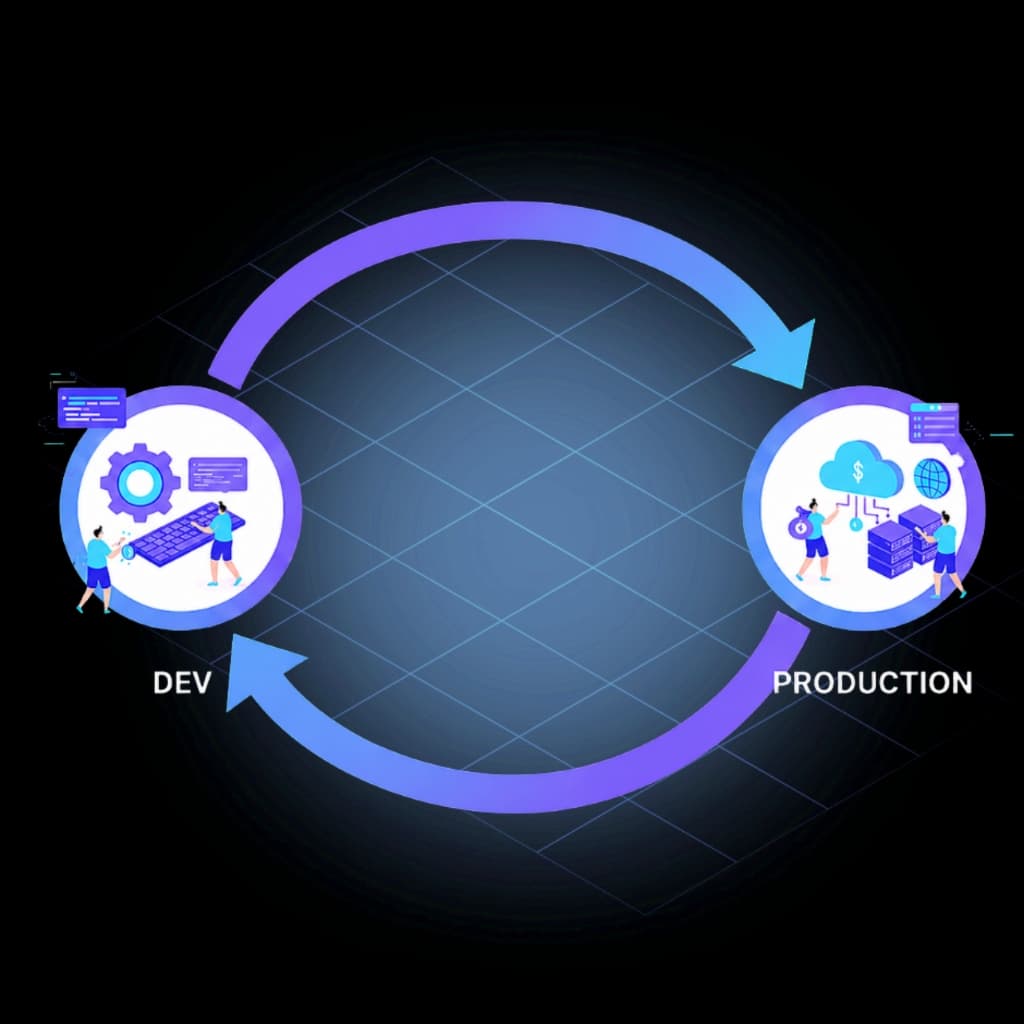
Complete Visibility Into Every Genesys Cloud Configuration Change
See who changed Genesys Cloud configuration, what changed, and when. InProd builds a complete configuration audit trail with searchable change history, environment comparison, compliance reporting, and rollback context.
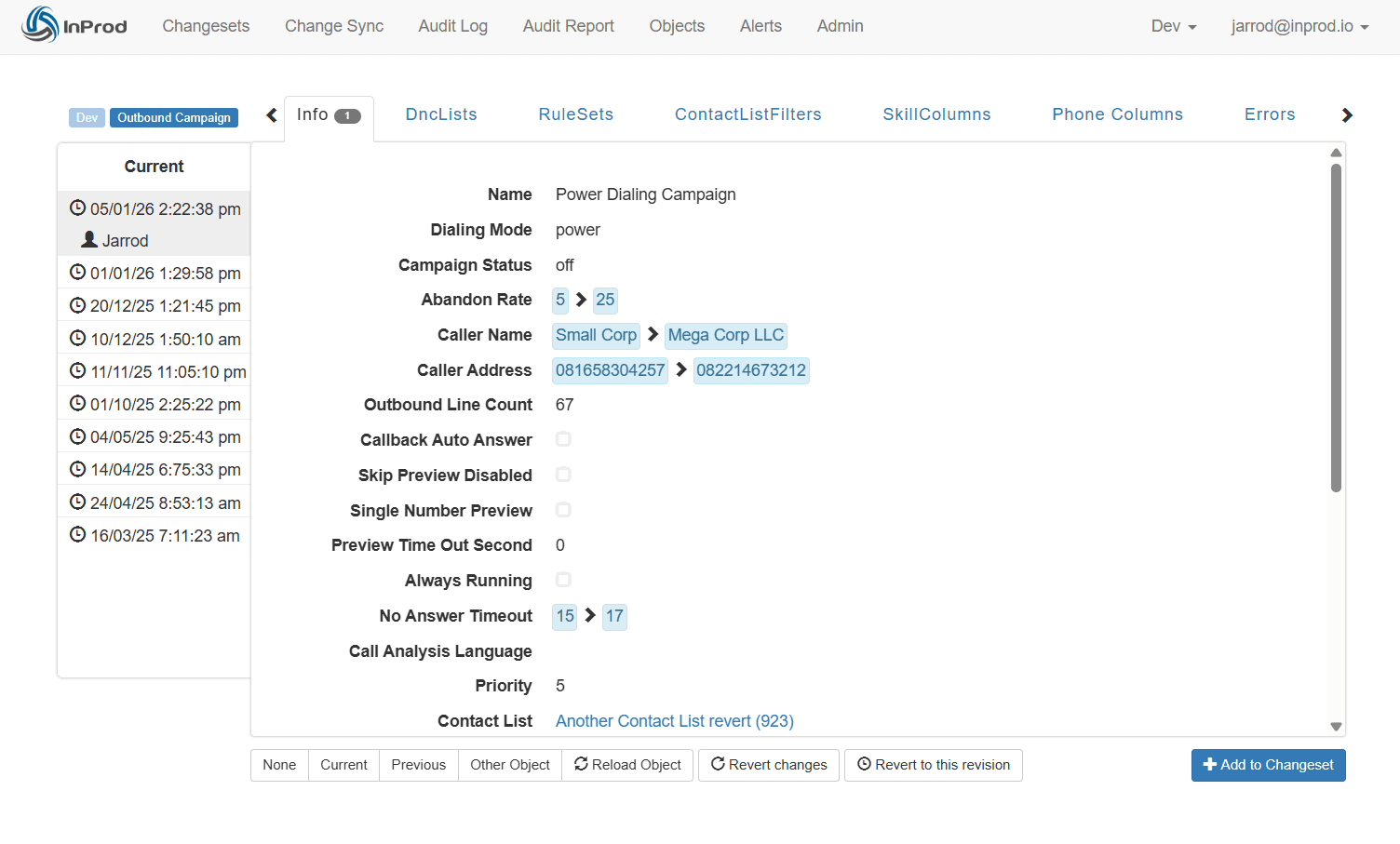







Genesys Cloud Audit Log and Change History
InProd continuously records configuration changes across your Genesys Cloud organization and turns raw activity into a searchable configuration audit trail. Teams can see who changed Genesys Cloud configuration, when the change happened, what object was affected, and which values changed.
- •Track configuration objects, parameter changes, and before-and-after values.
- •Capture user identity, timestamp, environment, and change context for accountability.
- •Maintain searchable change history for incident review, audit evidence, and compliance.

Rollback and Point-in-Time Restore
When a change introduces an issue, InProd enables rapid recovery. You can roll back a single change, revert an entire object to a previous state, or cherry-pick specific parameters—all without affecting unrelated configurations.
- •Restore to any point in time in seconds.
- •Selectively revert individual attributes or full objects.
- •Minimize downtime and human error during recovery.
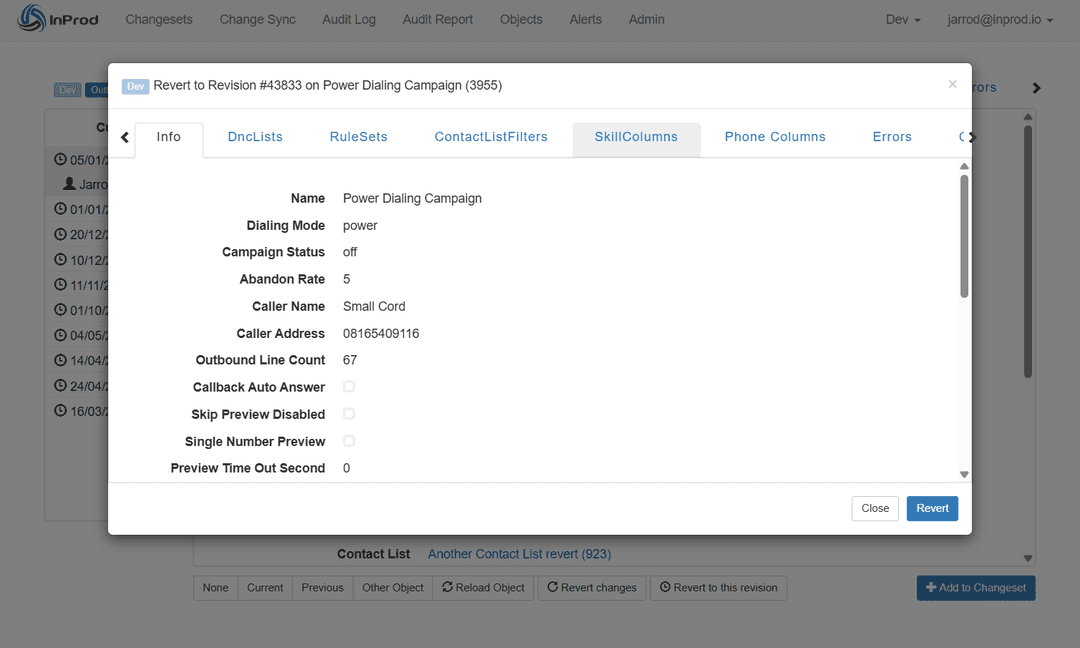
Configuration Audit Trail Reporting
Transform Genesys Cloud audit log and change history data into operational intelligence across every environment. InProd's interactive audit reporting helps technical teams investigate incidents, verify deployments, and produce evidence for compliance reviews.
- •Drill down to individual changes inside the configuration audit trail.
- •Real-time reporting directly from live configuration data.
- •Generate automated change control compliance reports.
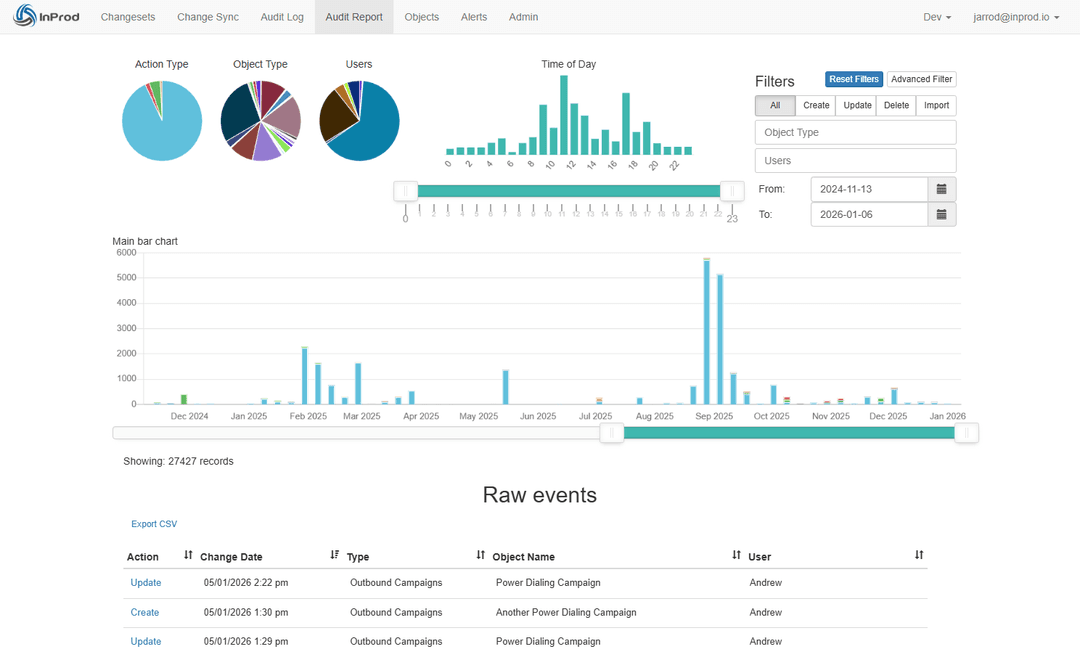
Genesys Cloud Configuration Comparison
Compare Genesys Cloud environments across divisions, regions, development, UAT, and production to detect inconsistencies before they impact users. InProd highlights differences at both object and parameter levels, giving teams a practical environment comparison view for audit review, release readiness, and drift investigation.
- •Compare configuration state across development, UAT, production, and regional orgs.
- •Identify unexpected environment differences before release, audit review, or incident response.
- •Separate approved configuration differences from drift that needs remediation.

Total Governance for Genesys Cloud
InProd's configuration auditing brings clarity and control to complex Genesys Cloud environments. By combining a searchable audit log, detailed change history, Genesys Cloud configuration comparison, interactive reporting, automated compliance, and rollback capabilities, it empowers your operations and DevOps teams to manage configurations with confidence and precision.
Genesys Cloud Audit and Comparison Questions
Does Genesys Cloud have an audit log for configuration changes?
Genesys Cloud provides native activity and audit visibility, but many teams need a deeper configuration audit trail that shows the object changed, the previous value, the new value, who made the change, when it happened, and how it relates to approvals, deployments, and rollback.
How can I see who changed Genesys Cloud configuration?
InProd captures user identity, timestamp, affected object, environment, and before-and-after configuration values so operations, DevOps, and compliance teams can answer who changed Genesys Cloud configuration without reconstructing the story from tickets, screenshots, or memory.
What should a Genesys Cloud configuration audit trail include?
A useful configuration audit trail should include change history for flows, queues, routing rules, skills, prompts, schedules, integrations, roles, permissions, and other operational objects, along with enough context to verify the change and recover from it if needed.
How does change history help with rollback and compliance?
Change history gives teams the evidence needed to understand what changed before an incident or audit request. When paired with rollback, the audit trail also shows which previous state can be restored and why that recovery action is justified.
How can I compare Genesys Cloud environments?
InProd compares Genesys Cloud environments at the configuration-object and parameter level so teams can see where development, UAT, production, regional orgs, or divisions differ. This helps identify drift before release, verify audit evidence, and confirm whether a difference is intentional.
What is Genesys Cloud configuration comparison?
Genesys Cloud configuration comparison is the process of checking configuration state across environments or divisions to understand what matches, what differs, and which differences require review. It is useful for release readiness, environment parity, compliance checks, and incident investigation.
See Every Genesys Cloud Configuration Change
Book a focused walkthrough of InProd's audit trail, environment comparison, change history, and rollback workflow for your Genesys Cloud organization.
Book a Configuration Audit Demo