
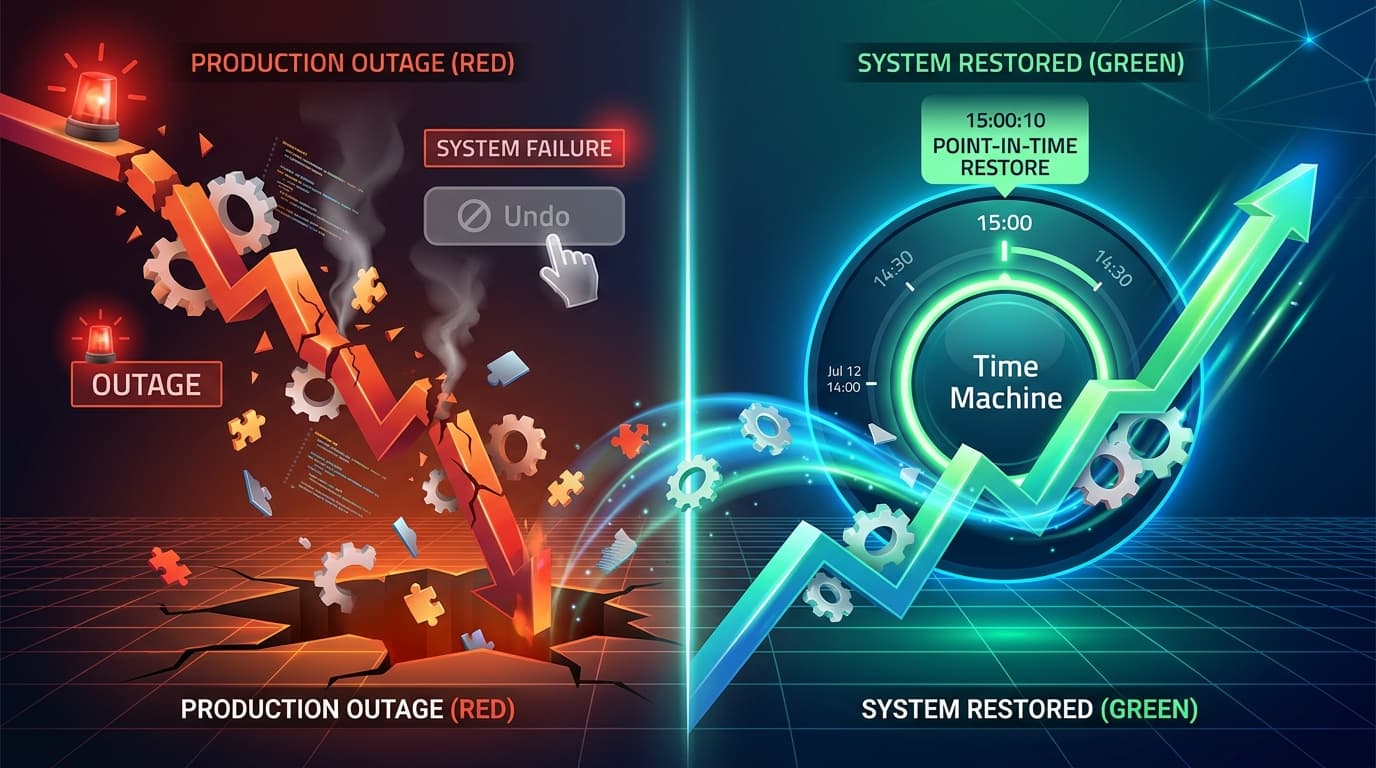
Genesys Cloud Rollback: What You Can Actually Restore (and What You Can't)
Something breaks after a configuration change in Genesys Cloud, and the instinct is obvious: roll it back. Undo the change, restore the last known-good state, move on. In most software platforms, that's a button. In Genesys Cloud, it depends entirely on what you're trying to undo, and for a lot of configuration, the honest answer is that there's no button at all.
This isn't a criticism of the platform. Genesys Cloud is a multi-tenant SaaS product, and its rollback story is deliberately narrow in most areas because tenant-level configuration isn't versioned the way, say, a Git repository is. But that narrowness catches teams off guard, usually at the worst possible moment: mid-incident, trying to figure out whether they can actually undo what they just did.
Here's what Genesys Cloud does let you roll back natively, where that stops, and what to put in place so the gap doesn't become your problem during an outage.
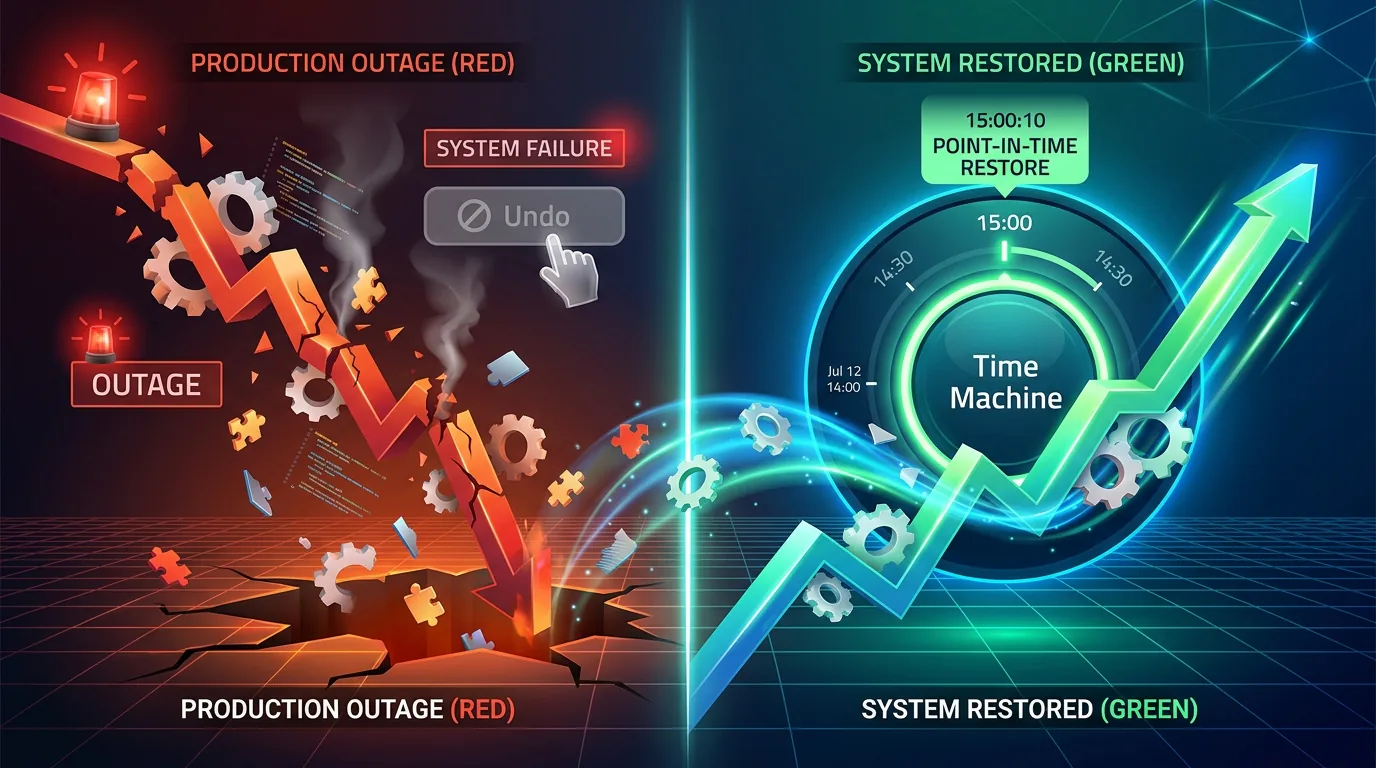
What "Rollback" Means in Genesys Cloud
It's worth separating two very different things that both get called "rollback" in Genesys Cloud discussions:
Platform-level rollback is Genesys's own responsibility. When Genesys ships a new platform feature or update, they maintain their own tested rollback plans and can execute automated regional feature rollbacks if a release causes widespread disruption. This is infrastructure you don't control and don't need to; it's part of what you're paying for as a SaaS customer.
Tenant-level rollback is everything that happens inside your own org: configuration changes, flow edits, permission changes, queue and routing updates, schedule changes. This is the layer you're responsible for, and it's also the layer where Genesys Cloud's native tooling is thin and inconsistent across features.
The confusion happens because both get described with the same word. When you're troubleshooting a bad change, the first thing to figure out is which kind of rollback you're even asking about.
What Genesys Cloud Lets You Roll Back Natively
Genesys Cloud does provide real, built-in restore capability, but only for a specific handful of object types, not configuration broadly.
Knowledge Base Article Revisions
Knowledge base articles keep a revision history, and you can view and restore a previous published version through the Revisions tab. This is one of the cleaner native rollback experiences in the platform, closer to what people expect from "rollback" than most other object types get.
Edge Appliance Software Updates
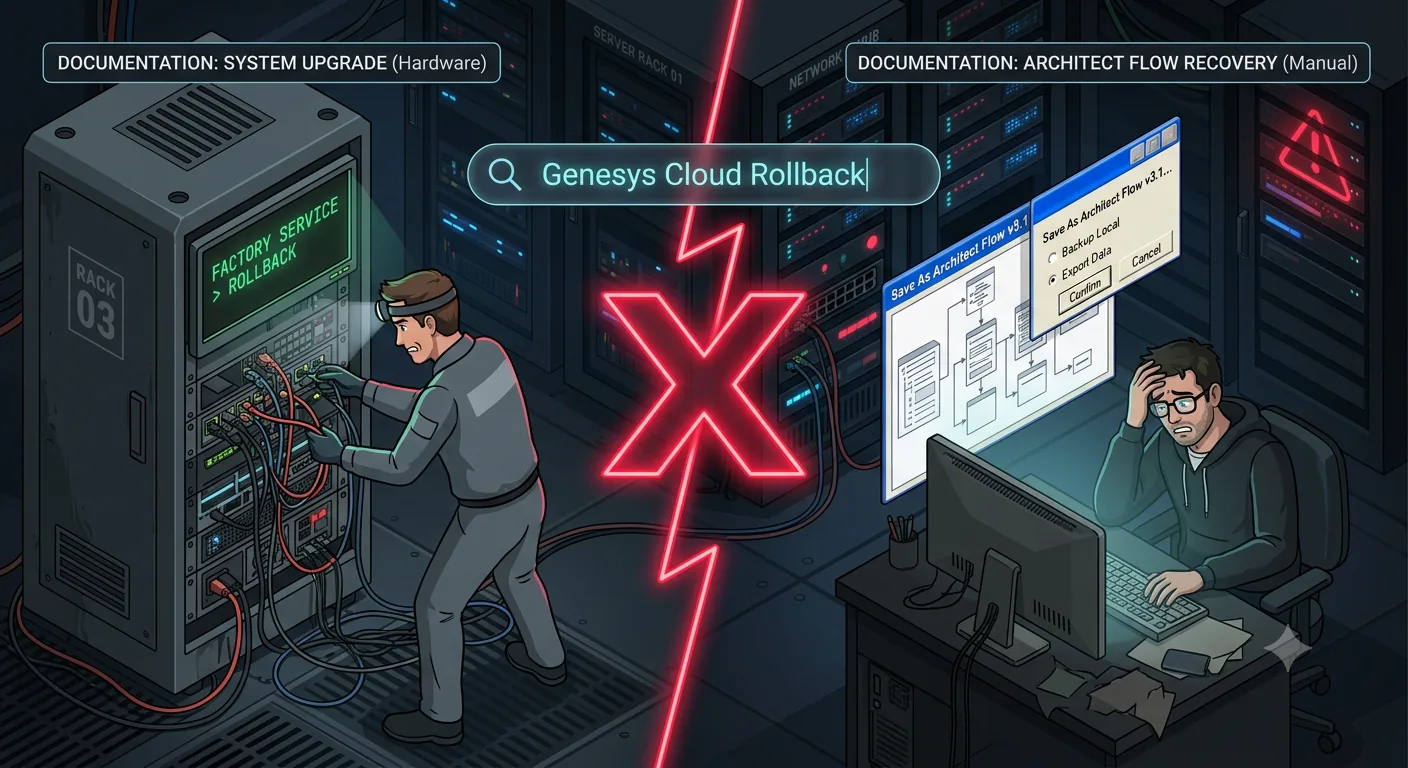
If a local Edge appliance software update causes problems, you can roll back to the existing version using the appliance's external LCD menu, under Factory Service. This is hardware-level rollback, separate entirely from tenant configuration, and it requires physical or console access to the appliance itself.
Workforce Management Intraday Schedule Changes
Inside Workforce Management, pending intraday schedule changes can be discarded or rolled back before they're committed. Once a schedule change is committed, though, this window closes; it's a pre-commit safety net, not an undo button for published schedules.
Soft-Deleted Dashboards and Profiles
Certain deleted items, including performance dashboards and user profiles, are soft-deleted rather than immediately purged, and can be recovered within a specified retention window. Useful, but narrow: it covers accidental deletion of specific object types, not configuration changes generally.
That's the full native list. Notice what's missing: queues, routing rules, IVR/Architect flows, roles and permissions, integrations, skill definitions. These are the configuration objects that actually drive day-to-day contact center behavior and that change most often.
Where Native Rollback Runs Out
Configuration Objects Without Version History
Most Genesys Cloud configuration objects don't carry a version history at all. Change a queue's routing logic, update a skill mapping, modify an integration's settings, and there's no built-in "previous version" to revert to. If you need to undo the change, you're reconstructing the prior state from memory, screenshots, or whatever documentation you happened to keep beforehand. That's not a rollback feature; it's damage control.
Why Reverting a Flow Isn't as Simple as It Sounds
Architect flows keep a version history, but restoring an earlier version requires a defined recovery procedure. Genesys documents the steps to republish an earlier flow version: open the version you need, export it, import that file into the original flow, and publish. Teams should test this procedure and verify the restored caller journey before relying on it during an incident.
Platform-Level Rollbacks Are Genesys's Job, Not Yours
Worth repeating: Genesys's own continuous delivery model builds in backward- and forward-compatible changes with tested rollback plans, specifically so that platform updates don't break your org. That protects you from Genesys's changes. It does nothing to protect you from your own.
Why This Gap Matters More Under Compliance Pressure
The rollback gap isn't just an operational inconvenience; it's increasingly a compliance problem. Regulated industries (finance, government, healthcare) are facing explicit governance requirements that assume configuration audit and rollback capability exists. Regulations like DORA in the EU, and government RFPs more broadly, are starting to mandate both audit trails and rollback facility as a baseline expectation for CCaaS deployments, not a nice-to-have.
That creates a real problem: the compliance requirement assumes a capability that Genesys Cloud doesn't provide natively for most configuration. An auditor asking "can you show me what changed and can you undo it if needed" isn't going to be satisfied by "we have Knowledge Base article revisions."
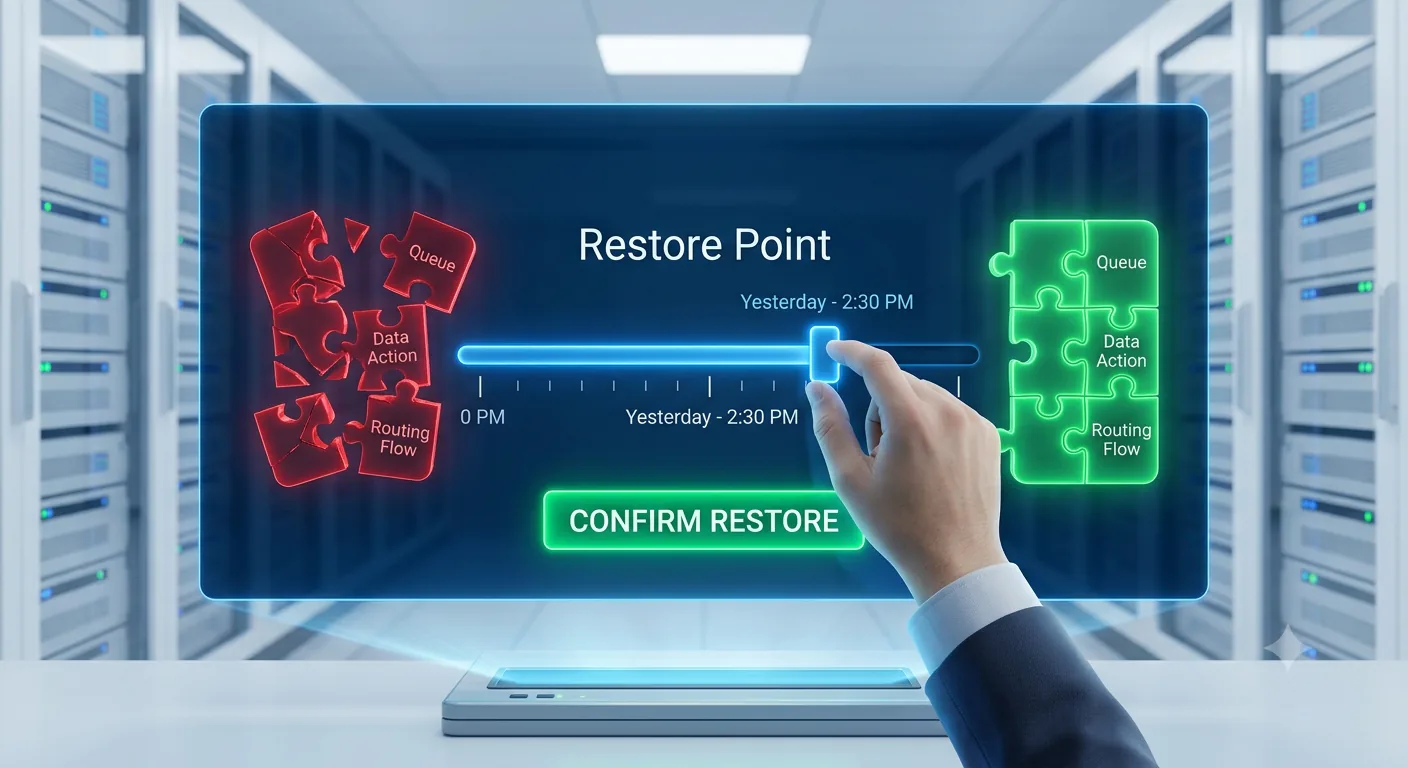
Building a Real Rollback Plan for Genesys Cloud Configuration
Since native tooling doesn't cover most of what you need, the rollback plan has to be built at the process and tooling layer, not assumed to already exist in the platform.
Version Control Every Change, Not Just Some
The only reliable way to guarantee a rollback path is to have a record of every prior state before it changed, which means treating Genesys Cloud configuration the way you'd treat application code: committed to version control, with every change tracked as a discrete, identifiable commit. If a change causes a problem, the fix is redeploying the last known-good version from that history, not reconstructing it from memory.
Test Rollback Before You Need It
A rollback plan that's never been tested is a guess. The changes that matter most (routing logic, IVR flows, permission structures) deserve a validated rollback path checked in a non-production environment before they're relied on in an incident. Finding out mid-outage that the "rollback" doesn't actually restore the expected behavior is the worst possible time to discover that.
For routing and IVR changes, pair the configuration rollback test with automated IVR testing so the team verifies both the restored configuration state and the caller journey it is meant to recover.
Keep an Audit Trail That Shows Exactly What Changed
Rollback and audit are two sides of the same problem. Knowing you can revert a change is only half the value; knowing exactly what changed, when, and by whom is what makes the rollback decision fast and confident instead of a guessing game. A real audit trail that captures the object changed, previous value, new value, who, and when turns "something's broken, roll it back" into "this specific change broke this specific thing, here's the fix."
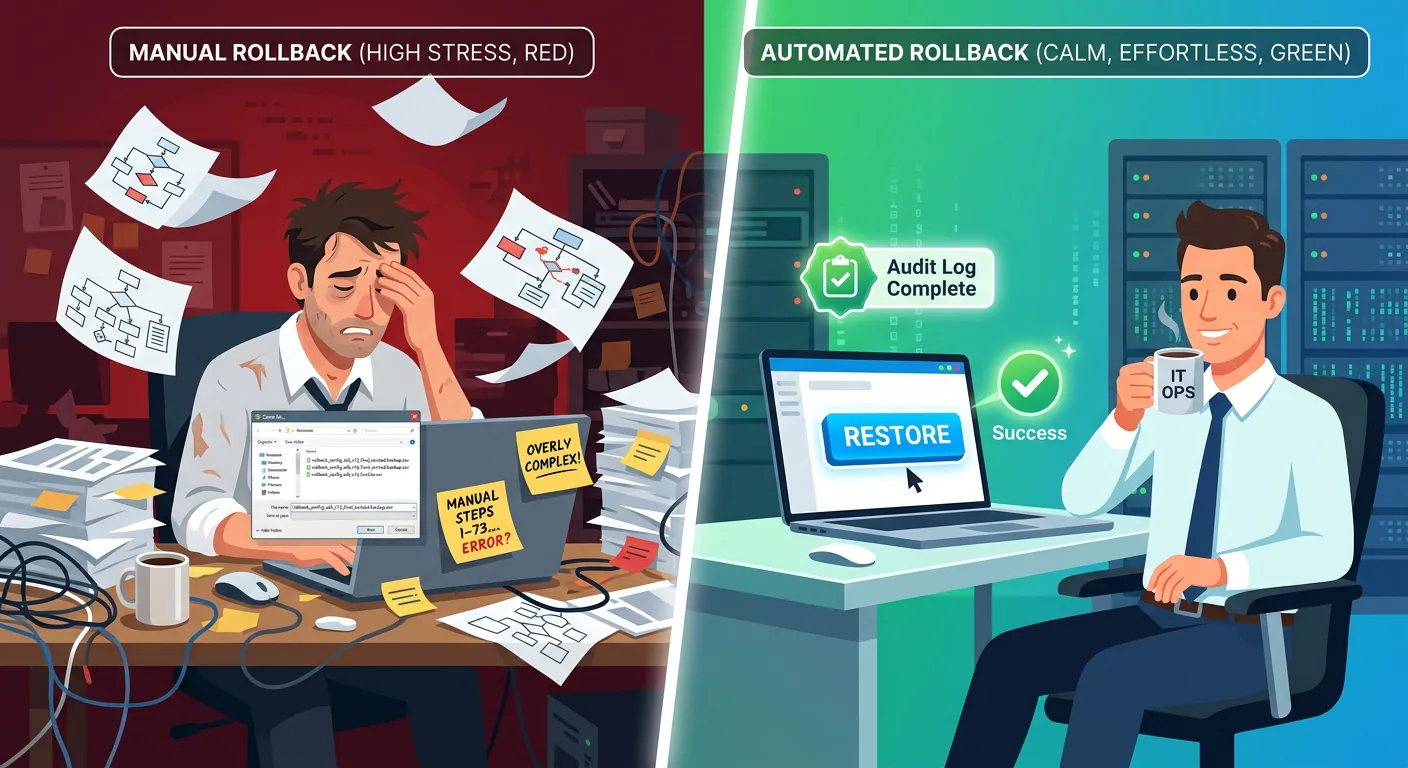
How InProd Fills the Native Rollback Gap
This is precisely the gap InProd was built to close for Genesys Cloud and Genesys Engage environments. Instead of relying on the narrow set of natively versioned objects, InProd brings full configuration version control, environment promotion with validation gates, and complete audit trails with before-and-after values across configuration broadly, not just the handful of object types Genesys Cloud happens to version on its own.
For teams under real compliance pressure, with DORA-style mandates and government RFP requirements pushing audit-and-rollback from nice-to-have to baseline, that's the difference between being able to answer an auditor's question with evidence, and explaining why the platform doesn't have a button for that.
FAQ
Can you roll back a configuration change in Genesys Cloud?
Only for a narrow set of object types natively: Knowledge Base article revisions, Edge appliance software updates, pending Workforce Management intraday schedule changes, and certain soft-deleted items within a retention window. Most configuration objects (queues, routing, permissions, integrations) have no native version history to roll back to.
How do I revert an Architect flow to a previous version?
Architect flows have a publish history, but reverting isn't a simple one-click restore. It requires understanding what the previous published version actually contained and verifying the revert behaves as expected. Many practitioners find this less straightforward than they initially expect.
How do I downgrade my Genesys Cloud service?
Service-level downgrades (changing your subscription or plan) go through your designated Customer Success Manager. This is separate from configuration rollback and isn't a self-service action.
Does Genesys Cloud have version control for configuration?
Not comprehensively. A small number of features (like Knowledge Base articles) have built-in revision history, but most configuration objects don't. Teams that need full version control typically implement it at the tooling layer, treating configuration changes the way software teams treat code commits.
Book a call to see how InProd brings full version control, environment promotion, and audit trails to Genesys Cloud configuration.

Jarrod Neven
Contact Center Expert, Director at InProd Solutions
Jarrod has been working in the enterprise CX space since 2001. Before starting InProd, he spent several years as a CTI Solutions Architect at Genesys itself, working across the APAC region with enterprise and government customers, which gives him a different perspective on how their platforms actually work under the hood. He's been Director at InProd Solutions since 2016, helping organizations cut through the complexity of Genesys Engage deployments.