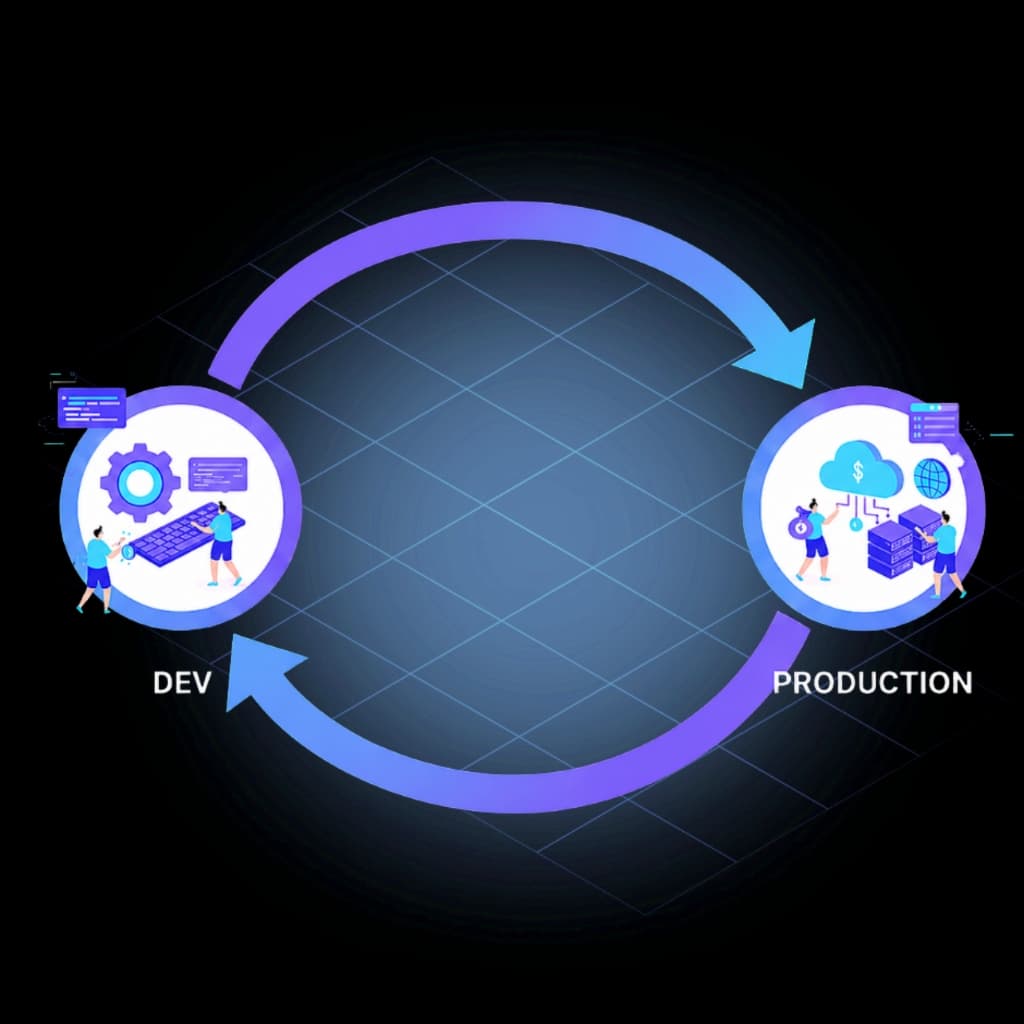
Genesys Cloud CI/CD Integrations.
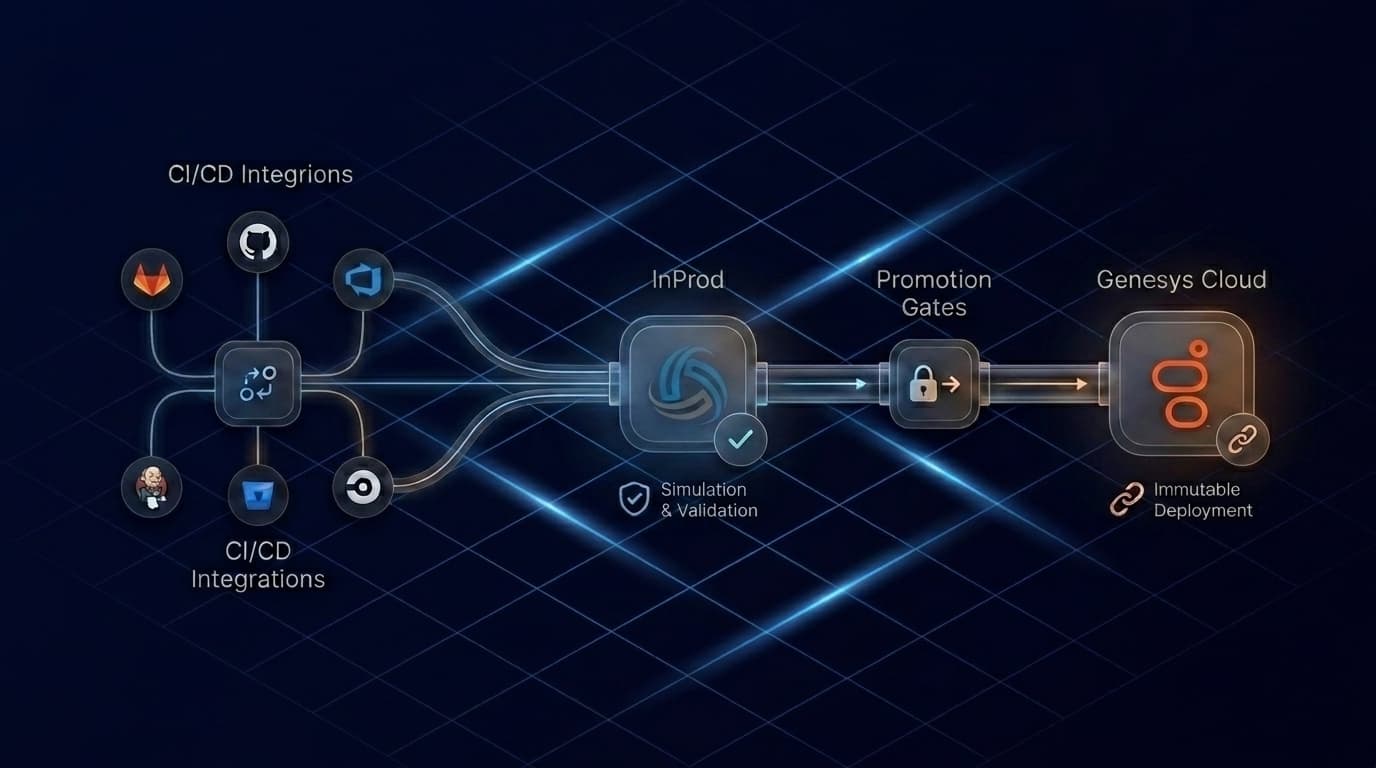
InProd delivers governed Genesys Cloud deployments inside the CI/CD pipeline your team already runs — Simulate Run before each environment, manual promotion gates, and an immutable deployment record. Works with GitLab CI, GitHub Actions, Azure DevOps, Jenkins, Bitbucket Pipelines, and CircleCI.







Choose Your Platform
Every integration runs the same InProd deployment workflow. Pick the platform your team already uses.

Protected environment gates, merge request-triggered validation, and Simulate Run before every stage. Published pipeline template — no custom runners required.
GitLab CI Integration Details →
Pull request validation, protected environment approval gates, and the InProd Run Changesets action published on the GitHub Marketplace.
GitHub Actions Integration Details →
Multi-stage Azure Pipelines with environment approval checks, secret variable groups, and a published step template referenced directly from the inprod/run-changesets repository.
Azure DevOps Integration Details →
Declarative Pipeline integration with input-gated stage promotion, credentials binding, and archived deployment artifacts. Supports both the NodeJS Plugin and Docker agents.
Jenkins Integration Details →
Deployment environment gates, manual trigger steps, and pipeline artifacts for deployment evidence. Works with existing Bitbucket repository variables and workspace credentials.
Bitbucket Pipelines Integration Details →
Approval-gated workflow promotion using CircleCI's native type: approval jobs. Validate on every branch, deploy through manual gates to UAT and Production.
CircleCI Integration Details →Same Governance, Every Platform
The CI/CD platform orchestrates the workflow. InProd governs the Genesys Cloud deployment.
Simulate Run before every environment
See exactly what will be created, updated, or deleted before any change executes — across every integration.
Environment promotion gates
Manual or approval-based promotion through Dev, UAT, and Production — enforced by your CI/CD platform, executed by InProd.
Immutable deployment records
Every production change generates a record: who deployed, what changed, what the previous values were, and which approval covered it.
Rollback
Point-in-time restore for individual objects, changesets, or entire environments — prepared before deployment, not improvised after an incident.
Need a complete audit trail for every configuration change? Configuration Auditing for Genesys Cloud →
Frequently Asked Questions
Which CI/CD platforms does InProd support?
InProd integrates with GitLab CI, GitHub Actions, Azure DevOps, Jenkins, Bitbucket Pipelines, and CircleCI. The InProd deployment logic runs within your existing pipeline — no new infrastructure is required.
Do I need to change my existing pipeline to use InProd?
No rework of your existing pipeline is required. InProd runs as a step within it. Your branch rules, environment protection, approval policies, and secret management all continue to apply. InProd adds Genesys Cloud-specific validation, deployment execution, and audit records on top of the workflow you already run.
Is the same changeset used across Dev, UAT, and Production?
Yes. The same reviewed changeset artifact promotes through each environment. InProd handles environment-aware variable mapping at each stage — the artifact does not change, only the target changes. This is the key difference between a governed deployment and a manual one where steps are re-executed from memory each time.
How does InProd fit alongside CX as Code and Terraform?
CX as Code defines Genesys Cloud resources as code. InProd governs the deployment lifecycle around those definitions: Simulate Run before applying changes, promotion gates between environments, drift detection when production diverges, and the deployment audit trail. The two layers work together.
Connect Your Pipeline. Govern Your Genesys Cloud Deployments.
InProd works with the CI/CD tools your team already runs. Pick your platform and see the integration guide.
Book a Consultation