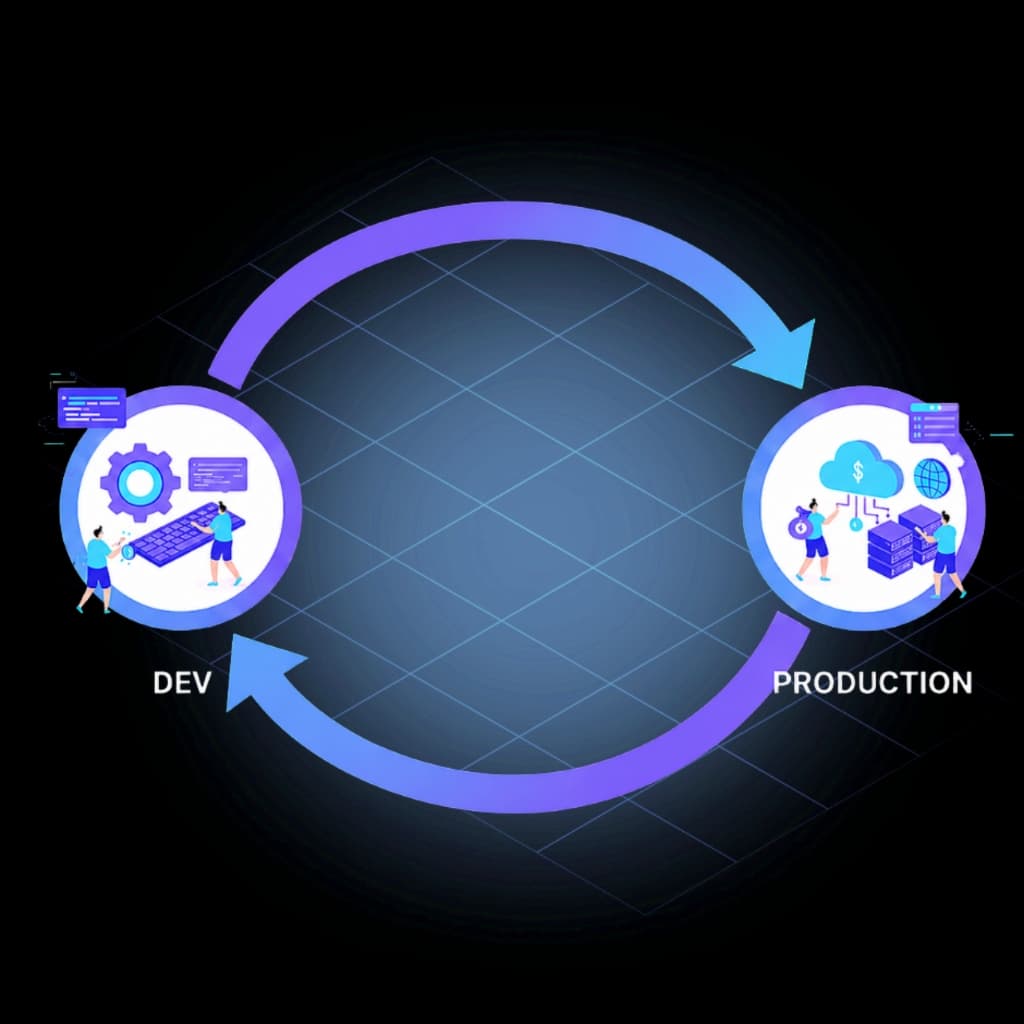
Genesys Cloud CX as Code — With a Production Deployment Lifecycle.
CX as Code is Genesys' Terraform-based approach to Genesys Cloud configuration as code. InProd adds the deployment lifecycle: validation before execution, controlled environment promotion, and a complete audit trail — including changes made in the Admin UI.
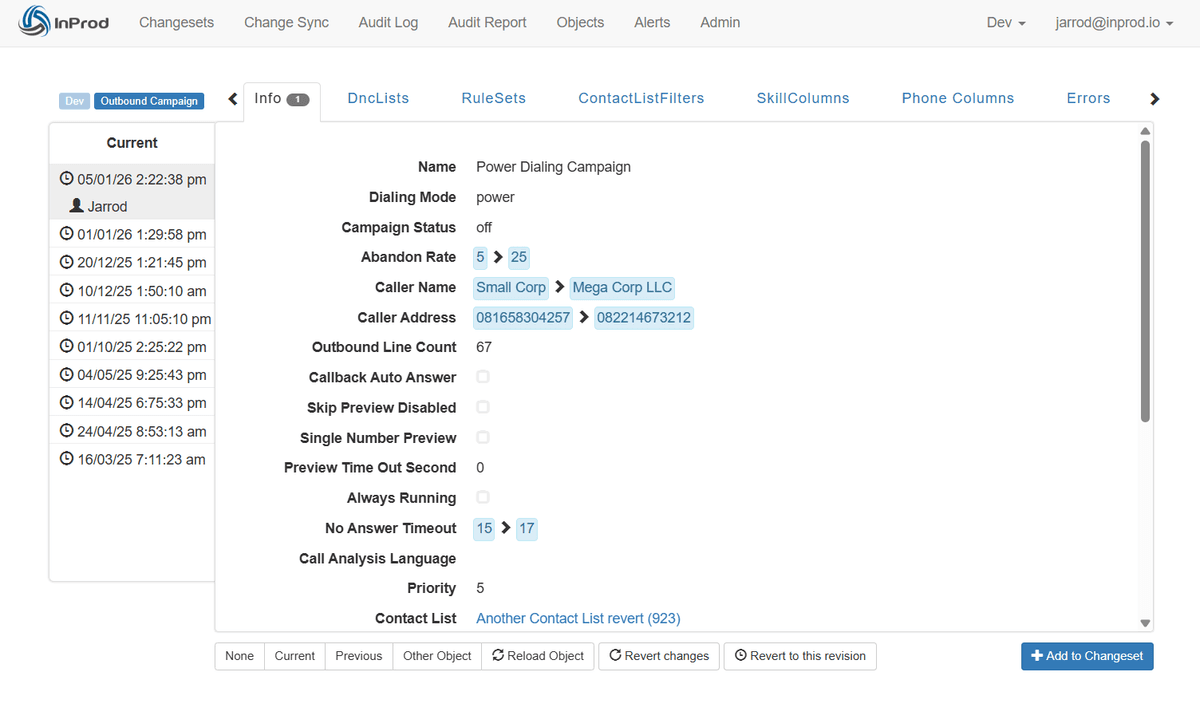







What CX as Code Gives You
Genesys Cloud CX as Code is the platform's built-in framework for Genesys Cloud infrastructure as code. Using the Genesys Cloud Terraform provider, your team defines contact center resources as Genesys Cloud configuration as code — stored in Git and applied consistently across organizations.
- ✓Define queues, skills, data actions, schedules, and routing configurations as version-controlled code files.
- ✓Use the Genesys Cloud Terraform provider to manage resource creation, updates, and deletions through the API.
- ✓Apply the same configuration across multiple Genesys Cloud organizations.
- ✓Review changes in pull requests before any configuration reaches an environment.
What a Production Pipeline Still Needs
CX as Code and Terraform handle desired-state management well. They don't handle the operational reality around it.
- ✕Drift detection — when an admin changes a queue in the UI, your source of truth is stale before the incident is closed.
- ✕Admin UI change capture — changes outside the pipeline accumulate silently until they cause a deployment conflict.
- ✕Existing-org adoption — years of UI-built configuration requires deliberate import planning, not a copy-paste export.
- ✕Audit trail beyond Git — Git records file changes, not which environment received them or whether deployment succeeded.
- ✕Defined rollback — without a prepared plan, reversing a failed production change means reconstructing state from memory.
Simulate Run
See exactly what will change before it does. Execute your changeset against the target Genesys Cloud environment in simulation mode — Simulate Run shows every object that will be created, updated, or deleted, including environment-specific differences you would not catch until production.
- •Validates against the live target environment, not just managed state.
- •Surfaces environment-specific mapping issues before execution.
- •Required production release gate — stops blind deployments.
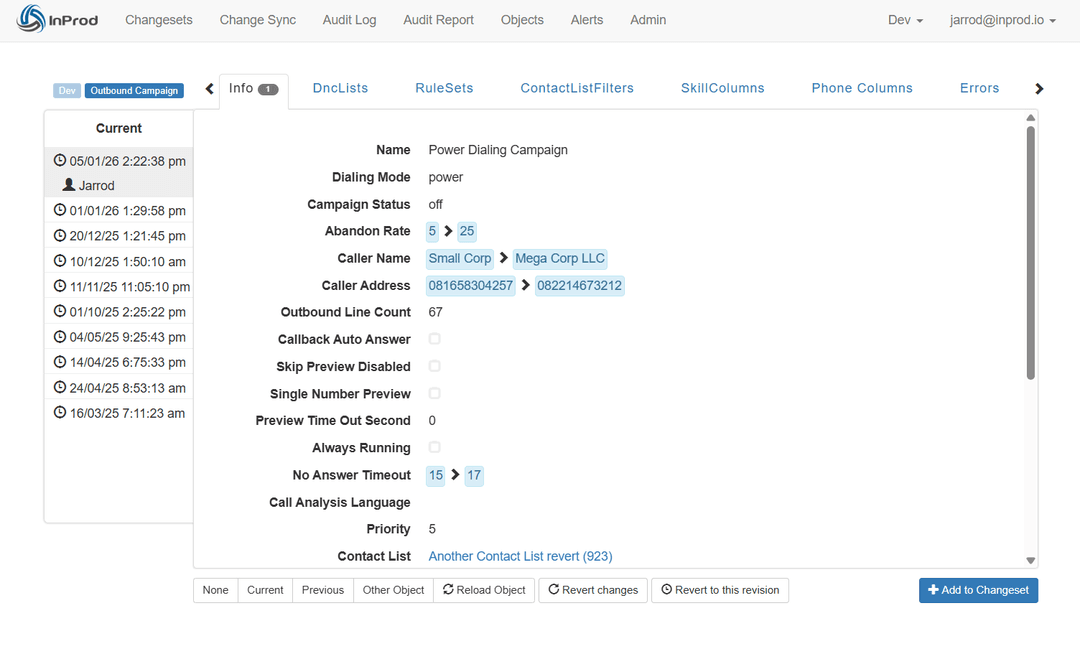
Changesets
Move related configuration changes as a single governed unit. Group queues, skills, routing policies, and data actions into a portable deployment unit that promotes through Dev, UAT, and Production with environment-aware variable handling at each stage.
- •Same changeset promotes through every environment — no rewriting between stages.
- •Environment-aware: adapts to the scale and structure of each target org.
- •Every changeset has an owner, a reason, and a deployment record.
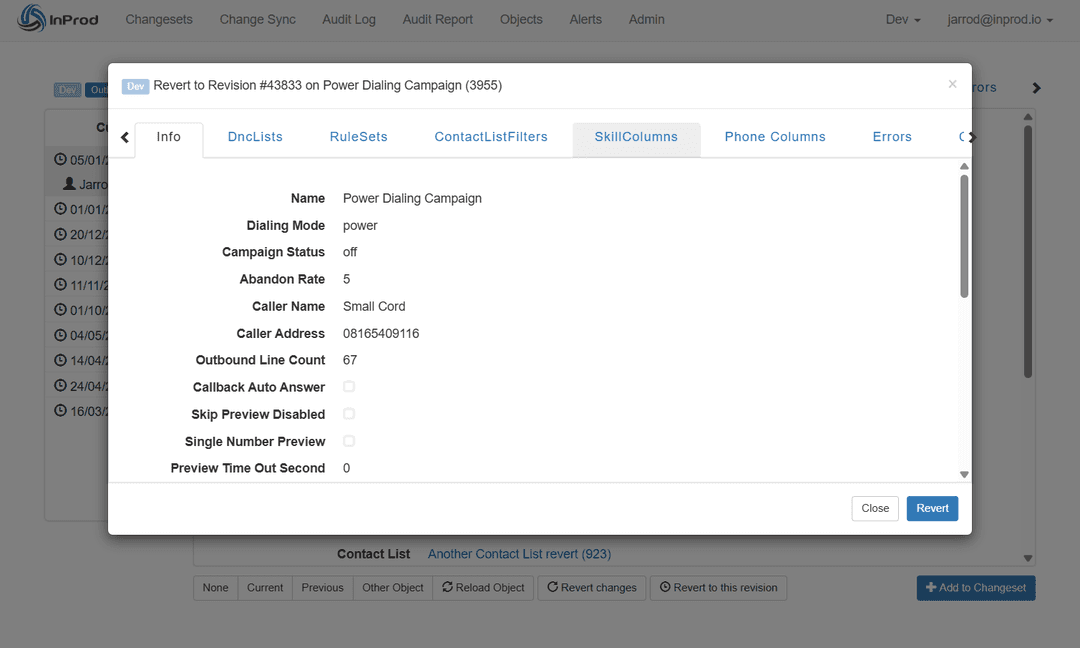
Configuration Auditing
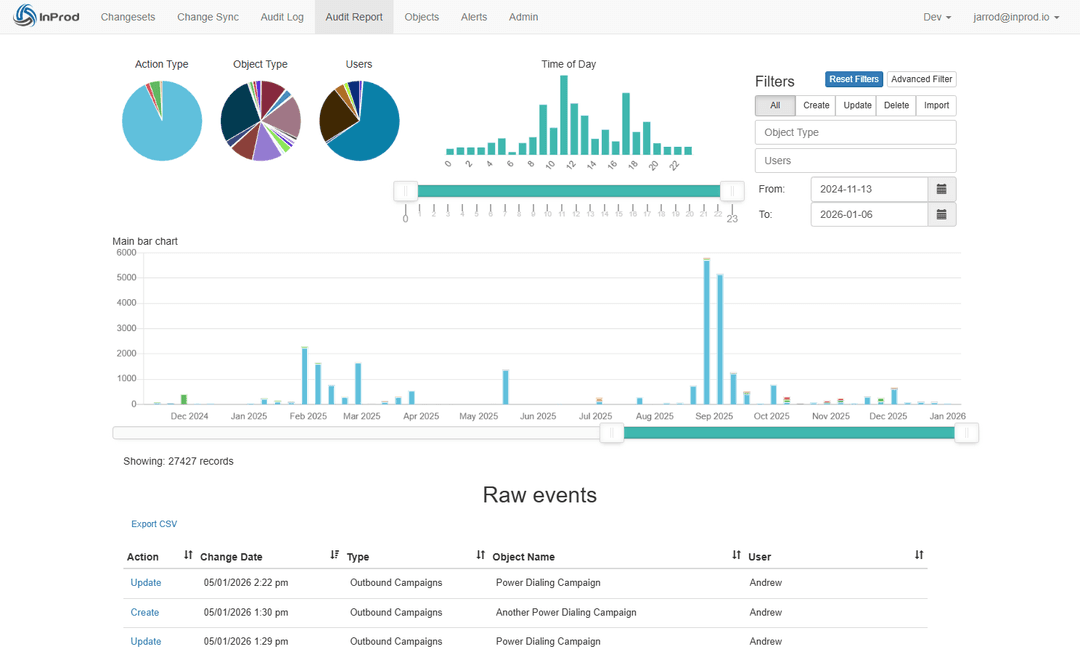
Full visibility, including changes made outside the pipeline. Every configuration change across your Genesys Cloud environments is recorded with who made it, when, what changed, and what the previous value was — whether the change came from the pipeline or the Admin UI.
- •Captures Admin UI changes that CX as Code and Terraform cannot see.
- •Records who, what, when, and previous values for every change.
- •Supports compliance review, incident investigation, and change governance.
Change Sync
Keep environments in parity automatically. When production diverges from your lower environments — through emergency changes, vendor updates, or manual fixes — Change Sync surfaces the drift and lets you reconcile it back into your non-production orgs.
- •Detects drift between environments in real time.
- •Selectively sync production changes back to Dev and UAT.
- •Ensures UAT reflects production before the next release.
The Production-Grade Difference
CX as Code and Terraform are strong deployment tools. InProd adds the governance layer.
| Capability | CX as Code + Terraform | + InProd |
|---|---|---|
| Drift Detection | None | ✓ Real-time detection and sync |
| Pre-deployment Validation | terraform plan for managed resources | ✓ Simulate Run against the live target environment |
| Admin UI Change Visibility | Not captured | ✓ Full capture and reconciliation |
| Rollback | Manual state reconstruction | ✓ Automated point-in-time restore |
| Environment Promotion | Manual, team-designed sequencing | ✓ Managed workflow with validation and approval gates |
| Audit Trail | Git history + platform logs | ✓ Deployment-level records tied to changesets and environments |
Frequently Asked Questions
What is CX as Code in Genesys Cloud?
CX as Code is Genesys' Terraform-based configuration-as-code capability. It uses the Genesys Cloud Terraform provider to define supported resources — queues, skills, flows, users, and more — as code files and apply them to one or more Genesys Cloud organizations.
Is CX as Code the same as Terraform?
No. CX as Code is the Genesys-specific configuration layer built around Terraform. Terraform is the underlying infrastructure-as-code engine. The Genesys Cloud Terraform provider is the plugin that connects Terraform to the Genesys Cloud public API.
What are the limitations of CX as Code?
CX as Code is strong for desired-state management of supported resources. It doesn't include built-in drift detection, pre-deployment simulation, audit trail for Admin UI changes, or structured rollback. It also requires deliberate planning for existing-org adoption, since Terraform's initial apply can attempt to create resources that already exist.
Do you still need InProd if you use CX as Code?
Many enterprise teams do. CX as Code defines and applies configuration. InProd governs the deployment lifecycle: changesets, Simulate Run validation, promotion gates, configuration auditing, UI change visibility, and rollback. The right framing is CX as Code plus InProd for a production-grade Genesys Cloud DevOps workflow.
See how CX as Code fits into a full deployment pipeline. Genesys Cloud DevOps Automation →
Want the full CX as Code plus Terraform walkthrough? Genesys Cloud CI/CD: CX as Code, Terraform and IaC →
Deploy with Confidence, Not Just with Code.
CX as Code and Terraform get configuration into version control. InProd makes the path to production safe, visible, and recoverable.
Schedule a Demo