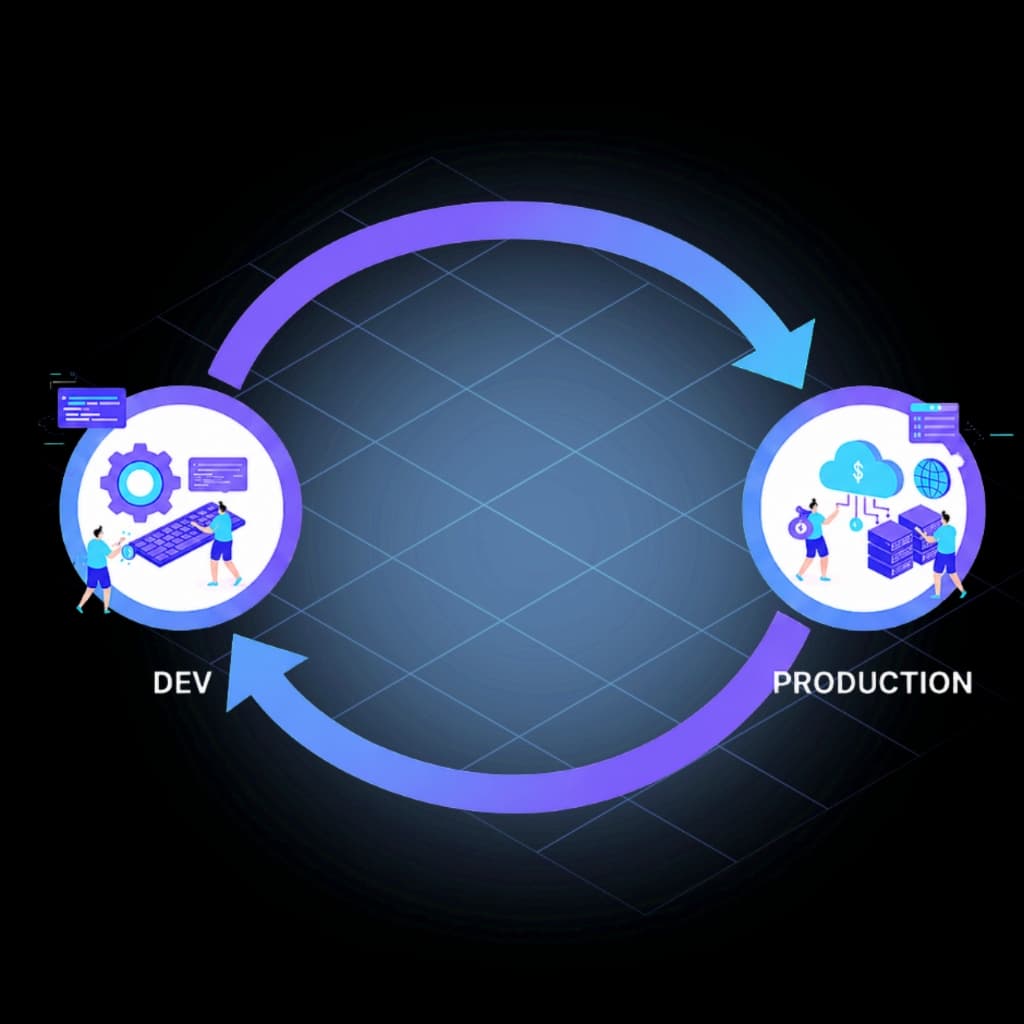
Emergency production changes
A fast production fix solves the incident, but the same configuration never makes it back to development or UAT.
InProd Change Sync finds configuration drift between Dev, UAT, and Production, shows exactly what changed, and helps your team reconcile approved differences through a controlled, auditable workflow.








Configuration drift, made visible
They drift one urgent fix, one direct edit, and one missed promotion at a time. Eventually, the environment that passed testing no longer reflects the environment serving customers. Change Sync gives teams a repeatable way to compare Genesys Cloud environments and restore confidence in the release path.
A fast production fix solves the incident, but the same configuration never makes it back to development or UAT.
A legitimate manual update bypasses the release path, leaving Git, lower environments, and the live org out of step.
Org-specific identifiers, names, and dependencies make a simple copy unreliable without context-aware mapping and review.
How Change Sync works
Move from “these orgs feel different” to a reviewed record of what differs and a controlled plan for bringing the right configuration back into alignment.
Select two Genesys Cloud environments and compare their current configuration state at object and parameter level.
See what differs, investigate the change history, and decide which differences are approved, expected, or need action.
Move selected changes through a governed changeset so the destination is validated and the synchronization is recorded.

Genesys Cloud configuration comparison
A raw export can tell you that files differ. Change Sync is built around the live configuration and the operational context behind it, so teams can understand whether a difference is an intentional environment variable, an approved release, or unplanned Genesys Cloud environment drift.
Synchronization with guardrails
Development, UAT, and Production should be consistent where releases depend on consistency—but they should not be identical everywhere. InProd lets teams preserve environment-specific endpoints, credentials, names, and identifiers while syncing the approved configuration that should match.
Select only the drift that needs remediation.
Validate dependencies against the destination.
Record the resulting change and deployment history.
A governed alternative to manual reconciliation
The difference is not whether a change can be copied. It is whether the team can understand, validate, approve, and prove the synchronization afterwards.
| Capability | Manual comparison | Scripts and exports | InProd Change Sync |
|---|---|---|---|
| Source of truth | People, tickets, and snapshots | Custom scripts or exported files | Live environments plus governed changesets |
| Difference visibility | Manual spot checks | Depends on script coverage | Object- and parameter-level comparison |
| Environment mapping | Recreated by hand | Custom logic to maintain | Environment-aware variable mapping |
| Review and approval | Separate process | Pipeline-dependent | Built into the change workflow |
| Audit evidence | Screenshots and tickets | Logs assembled by the team | Linked change and deployment history |
Common questions
Genesys Cloud environment synchronization is the controlled process of comparing configuration between organizations or stages, identifying meaningful differences, and applying approved changes so development, UAT, and production stay aligned.
InProd compares the current state of supported configuration in two environments and highlights object- and parameter-level differences. Teams can then review the related change context before deciding whether to accept or reconcile the drift.
Yes. Change Sync is designed for the common reverse-sync case: capture the selected production change, map environment-specific values, validate it against the destination, and apply it through a recorded changeset.
They solve related problems. CI/CD controls forward promotion of planned releases. Change Sync detects and reconciles changes that leave environments out of alignment, including direct or emergency production updates.
No. Some differences are intentional, such as credentials, endpoints, capacity, or environment-specific identifiers. The goal is controlled parity: understand each difference and reconcile only what should be consistent.
Comparison shows the state difference; InProd configuration auditing adds who changed what, when it changed, and the prior value. Together they help teams explain drift, document remediation, and preserve evidence of the resulting deployment.
See how InProd can compare your Genesys Cloud environments, surface drift, and turn approved differences into governed changes.
Book a Change Sync Demo