
What Is CX as Code in Genesys Cloud? Setup & Examples
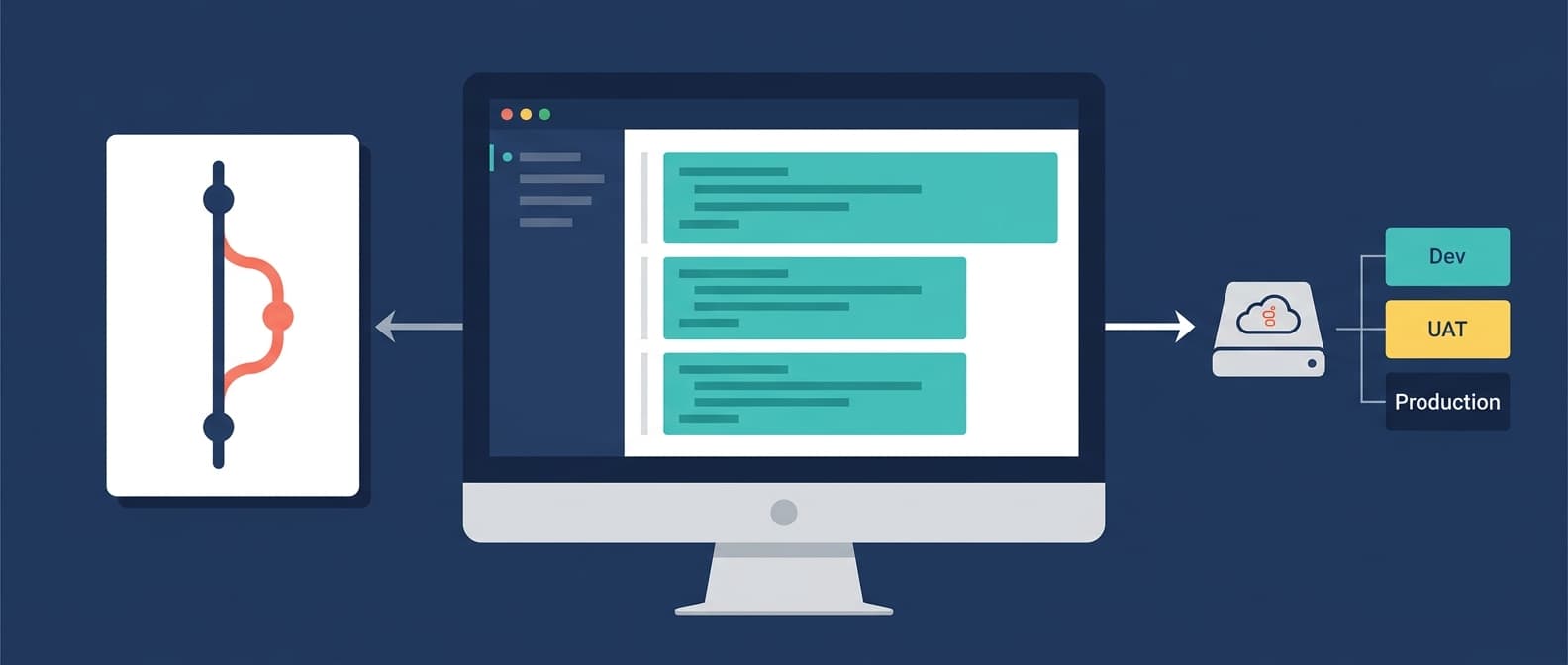
CX as Code is Genesys Cloud's Infrastructure as Code framework, built on HashiCorp Terraform using a dedicated Genesys Cloud provider plugin. Instead of configuring queues, skills, and routing through the Admin UI, you define them in HCL files, store them in Git, and deploy them with terraform apply. This guide goes past the definition into the mechanics: how the provider is configured, how real resources are written, what the plan/apply workflow actually looks like, and where the approach runs into trouble with existing orgs.
Setting Up the Genesys Cloud Terraform Provider
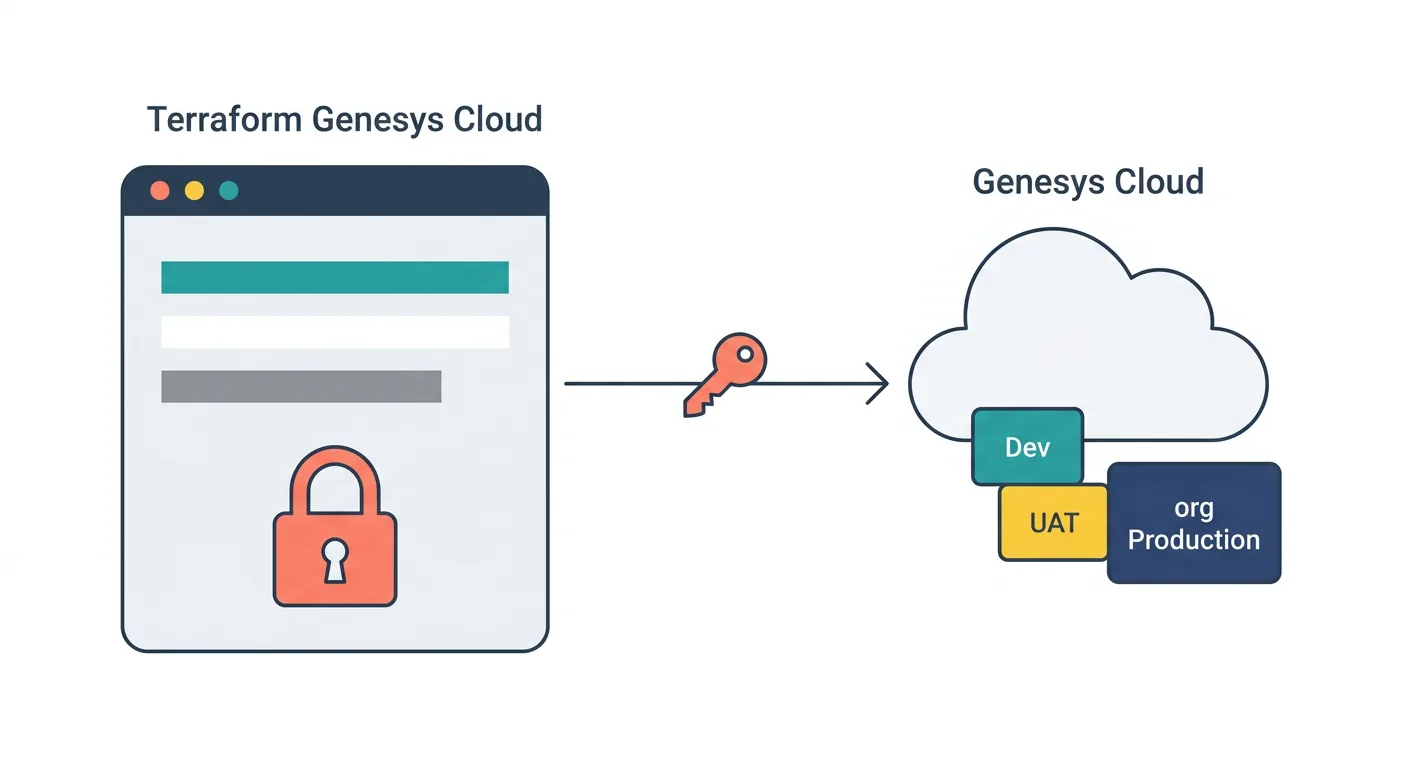
Every CX as Code project starts with a provider block. The Genesys Cloud Terraform provider is published by Genesys on the Terraform Registry under mypurecloud/genesyscloud. Create main.tf:
terraform {
  required_providers {
    genesyscloud = {
      source  = "mypurecloud/genesyscloud"
      version = "~> 1.0"
    }
  }
}

provider "genesyscloud" {
  oauthclient_id     = var.genesys_client_id
  oauthclient_secret = var.genesys_client_secret
  aws_region         = var.genesys_region
}
Authentication uses a Client Credentials OAuth client. Create one in Admin > Integrations > OAuth with the roles and permissions matching the resources you plan to manage. The aws_region value is the AWS region your Genesys Cloud org is hosted in, not a cloud infrastructure region you control. Common values are us-east-1, eu-west-1, ap-southeast-2.
Declare the variables in variables.tf:
variable "genesys_client_id" {
  description = "Genesys Cloud OAuth client ID"
  type        = string
  sensitive   = true
}

variable "genesys_client_secret" {
  description = "Genesys Cloud OAuth client secret"
  type        = string
  sensitive   = true
}

variable "genesys_region" {
  description = "Genesys Cloud AWS region"
  type        = string
}
Keep the client secret out of version control. In local development, pass it via a .tfvars file added to .gitignore. In a CI pipeline, inject it through a secret manager (GitHub Secrets, Azure Key Vault, HashiCorp Vault) and reference it as an environment variable (TF_VAR_genesys_client_secret).
Run terraform init to download the provider:
terraform init
You should see the provider downloaded and the working directory initialized. If this step fails with an authentication or network error, verify your OAuth client has the correct scopes before proceeding.
Defining a Queue
A queue is the most fundamental resource in a Genesys Cloud contact center, and it is a good first resource to manage as code because it has a large surface area of configurable attributes that are tedious to replicate manually across environments.
Create queues.tf:
resource "genesyscloud_routing_queue" "support_tier_1" {
  name                     = "Support - Tier 1"
  description              = "First-line customer support: general inquiries and account issues"
  acw_wrapup_prompt        = "MANDATORY_TIMEOUT"
  acw_timeout_ms           = 30000
  skill_evaluation_method  = "BEST"
  auto_answer_only         = false
  enable_manual_assignment = false

  media_settings_call {
    alerting_timeout_sec      = 30
    service_level_percentage  = 0.80
    service_level_duration_ms = 20000
  }

  routing_rules {
    operator     = "MEETS_THRESHOLD"
    threshold    = 0
    wait_seconds = 0
  }
}
What these attributes do in practice:
skill_evaluation_method = "BEST"routes to the agent with the highest skill proficiency match rather than the first available. Use"ALL"if you want all agents with the required skill to be eligible, or"STANDARD"for the Genesys default.service_level_percentage = 0.80andservice_level_duration_ms = 20000encode the 80/20 service level target (80% of contacts answered within 20 seconds) directly in the configuration. Change these values per environment via variables (covered below) rather than maintaining separate configuration files.acw_wrapup_prompt = "MANDATORY_TIMEOUT"forces agents into a wrap-up state after each interaction, timing out automatically afteracw_timeout_msmilliseconds. The alternative values are"MANDATORY"(agent must manually exit) and"OPTIONAL".auto_answer_only = falseallows agents to manually accept interactions. Set totruefor environments where auto-answer is required.
Defining a Skill and Assigning It to the Queue
Skills in Genesys Cloud have two parts: the skill definition (the entity itself) and the assignment (linking an agent to a skill with a proficiency level). Both are manageable as code.
Add to queues.tf or create skills.tf:
resource "genesyscloud_routing_skill" "billing_specialist" {
  name = "Billing Specialist"
}

resource "genesyscloud_routing_skill" "technical_support" {
  name = "Technical Support"
}
Assign skills to a user with proficiency ratings. Add a user resource referencing the skills above:
resource "genesyscloud_user" "agent_jane_smith" {
  name  = "Jane Smith"
  email = "jane.smith@example.com"
  state = "active"

  routing_skills {
    skill_id    = genesyscloud_routing_skill.billing_specialist.id
    proficiency = 4.0
  }

  routing_skills {
    skill_id    = genesyscloud_routing_skill.technical_support.id
    proficiency = 2.5
  }
}
Proficiency values run from 1.0 to 5.0. With skill_evaluation_method = "BEST" on the queue, Genesys Cloud will prefer agents with higher proficiency when routing contacts that require these skills.
The reference genesyscloud_routing_skill.billing_specialist.id, rather than a hard-coded ID string, tells Terraform to resolve the dependency automatically. Terraform builds a dependency graph from these references and creates resources in the correct order. If billing_specialist does not exist yet, it is created before agent_jane_smith is modified.
What terraform plan Actually Shows
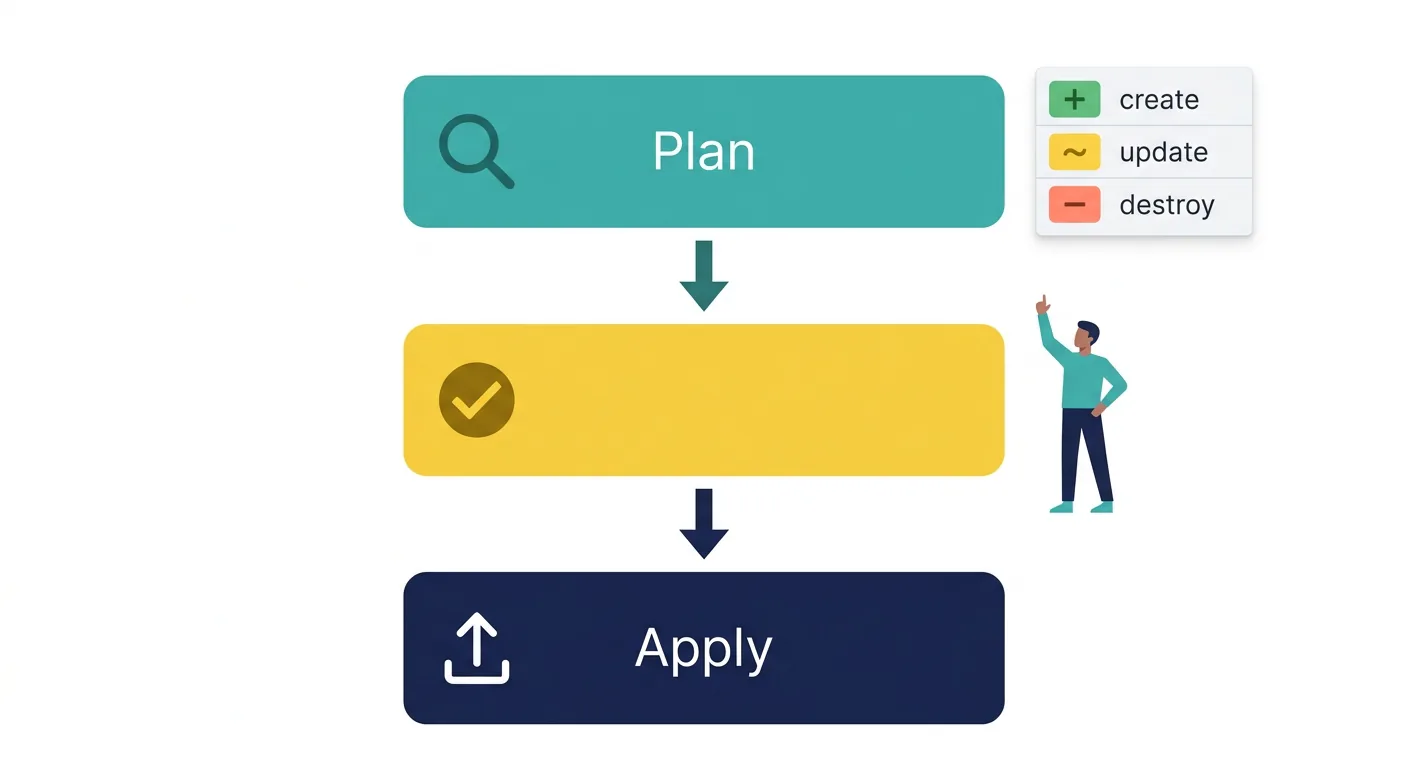
Before applying any change, always run terraform plan. Terraform compares your configuration files against the current state of the target environment and produces an execution plan. For the resources above applied to a clean environment, the output looks like this:
Terraform will perform the following actions:

  # genesyscloud_routing_skill.billing_specialist will be created
  + resource "genesyscloud_routing_skill" "billing_specialist" {
      + id   = (known after apply)
      + name = "Billing Specialist"
    }

  # genesyscloud_routing_skill.technical_support will be created
  + resource "genesyscloud_routing_skill" "technical_support" {
      + id   = (known after apply)
      + name = "Technical Support"
    }

  # genesyscloud_routing_queue.support_tier_1 will be created
  + resource "genesyscloud_routing_queue" "support_tier_1" {
      + acw_timeout_ms           = 30000
      + acw_wrapup_prompt        = "MANDATORY_TIMEOUT"
      + auto_answer_only         = false
      + description              = "First-line customer support: general inquiries and account issues"
      + enable_manual_assignment = false
      + id                       = (known after apply)
      + name                     = "Support - Tier 1"
      + skill_evaluation_method  = "BEST"

      + media_settings_call {
          + alerting_timeout_sec      = 30
          + service_level_duration_ms = 20000
          + service_level_percentage  = 0.8
        }
    }

  # genesyscloud_user.agent_jane_smith will be created
  + resource "genesyscloud_user" "agent_jane_smith" {
      + email = "jane.smith@example.com"
      + id    = (known after apply)
      + name  = "Jane Smith"
      + state = "active"

      + routing_skills {
          + proficiency = 4.0
          + skill_id    = (known after apply)
        }

      + routing_skills {
          + proficiency = 2.5
          + skill_id    = (known after apply)
        }
    }

Plan: 4 to add, 0 to change, 0 to destroy.
Lines prefixed with + represent resources being created. When you modify an existing resource, you will see ~ for in-place updates or -/+ for resources that must be destroyed and recreated (a destructive change). Always read the plan carefully before running terraform apply. Watch particularly for -/+ lines, which in a production contact center can mean queue downtime.
After reviewing the plan, apply it:
terraform apply
Terraform prints the plan again and asks for confirmation. Type yes. For CI pipelines, use -auto-approve to skip the prompt, but only after running a separate terraform plan step with human review in the pipeline.
Importing Existing Orgs: The Gotcha CX as Code Doesn't Handle Gracefully
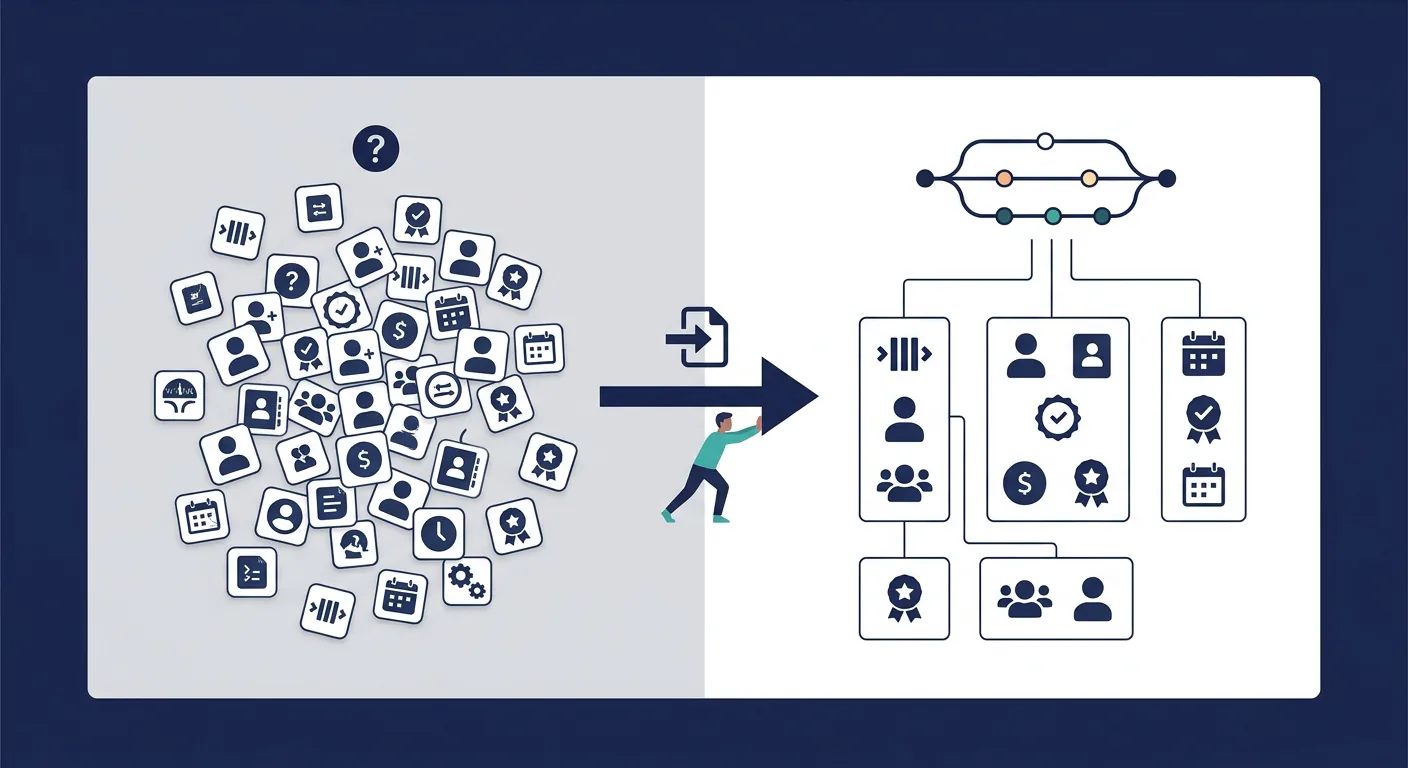
If your Genesys Cloud organization was built through the Admin UI over months or years, CX as Code does not automatically know about those resources. Terraform only manages what it has in state. Running terraform apply on a new configuration against an existing org will cause Terraform to attempt to create resources that already exist, which typically results in errors or duplicate objects.
The solution is terraform import, which pulls an existing resource into Terraform state without recreating it:
terraform import genesyscloud_routing_queue.support_tier_1 <existing-queue-id>
After importing, terraform plan should show no changes. If it shows differences, your configuration does not yet match the live resource's actual attribute values, and you will need to reconcile them.
The challenge at scale is that importing an entire existing Genesys Cloud org requires:
- Discovering every resource ID across queues, skills, users, flows, schedules, and routing configurations
- Writing matching HCL resource blocks for each one
- Importing each resource individually into state
- Running
terraform planand resolving every configuration mismatch before anything can be safely applied
This is genuinely time-consuming for large organizations. Terraform 1.5 introduced import blocks that make the process scriptable, and the Genesys Cloud provider's export tooling can help generate initial HCL from existing configuration, but the reconciliation work between generated code and real org state remains a manual effort that requires careful attention to avoid unintended changes.
This is why CX as Code adoption is typically staged: new resources are defined and managed as code from the start, while existing resources are imported incrementally as teams have capacity to validate and reconcile them. Going "all-in" from day one in a complex existing org is high-risk.
Handling Environment Differences with Variables
The same configuration files should deploy to every environment (dev, UAT, production) with environment-specific differences handled through variables, not separate files. Here is the pattern:
variable "environment" {
  description = "Deployment target environment"
  type        = string
}

variable "service_level_target" {
  description = "Target service level percentage"
  type        = number
  default     = 0.80
}

resource "genesyscloud_routing_queue" "support_tier_1" {
  name                    = "Support - Tier 1 [${var.environment}]"
  skill_evaluation_method = "BEST"

  media_settings_call {
    alerting_timeout_sec      = 30
    service_level_percentage  = var.service_level_target
    service_level_duration_ms = 20000
  }
}
Create environment-specific .tfvars files:
dev.tfvars
environment          = "dev"
service_level_target = 0.70
prod.tfvars
environment          = "prod"
service_level_target = 0.80
Apply to each environment:
# Development
terraform apply -var-file="dev.tfvars"

# Production
terraform apply -var-file="prod.tfvars"
The same queue definition, correctly parameterized for each environment. In a Genesys Cloud CI/CD pipeline, the environment-specific .tfvars file is selected based on the branch or deployment target: dev deploys from the develop branch, production deploys from main after a merge and approval.
Where CX as Code's Job Ends
CX as Code handles desired-state management for the resources it controls. It does not:
- Detect or capture configuration changes made through the Genesys Cloud Admin UI outside the pipeline
- Provide drift alerts when production diverges from your declared state between pipeline runs
- Generate deployment records showing which environment received which changeset and when
- Produce change control documentation for compliance review
- Handle structured rollback beyond restoring a previous state file
For teams running CX as Code in a single environment or early in an IaC adoption, these gaps are manageable. For enterprise contact centers with multiple environments, audit requirements, and a mix of pipeline and Admin UI changes, they represent real operational risk.
The Genesys Cloud CX as Code governance guide covers what a production-grade deployment lifecycle looks like on top of this foundation, including drift detection, Simulate Run pre-deployment validation, and structured environment promotion.
Frequently Asked Questions
Does CX as Code support all Genesys Cloud resources? No. The Genesys Cloud Terraform provider supports a broad and growing set of resources, but some objects, particularly Architect flow content, are not fully manageable through CX as Code. Architect flows can be referenced and associated with queues as code, but the flow logic itself is authored in the Architect UI. The provider is open source and actively maintained, so coverage expands with each release.
Can CX as Code manage resources across multiple Genesys Cloud organizations? Yes. You can target different Genesys Cloud orgs by using separate Terraform state backends and different provider configurations (with different OAuth credentials) for each org. This is the standard pattern for managing dev, UAT, and production as separate Genesys Cloud organizations.
What happens if someone changes a resource in the Admin UI after Terraform manages it?
On the next terraform plan, Terraform compares its stored state against the live environment and identifies the drift. Depending on how the provider handles that resource, terraform apply will attempt to revert the manual change back to the declared configuration, which is the correct behavior for IaC discipline, but can be disruptive if teams are not aware that the resource is Terraform-managed.
Is there a way to generate Terraform code from an existing Genesys Cloud org? The Genesys Cloud Terraform provider includes export capabilities that can generate HCL from existing configuration. The generated code provides a starting point but typically requires manual review and reconciliation before it can be safely applied, particularly for complex routing configurations with many interdependencies.

Jarrod Neven
Contact Center Expert, Director at InProd Solutions
Jarrod has been working in the enterprise CX space since 2001. Before starting InProd, he spent several years as a CTI Solutions Architect at Genesys itself, working across the APAC region with enterprise and government customers, which gives him a different perspective on how their platforms actually work under the hood. He's been Director at InProd Solutions since 2016, helping organizations cut through the complexity of Genesys Engage deployments.