
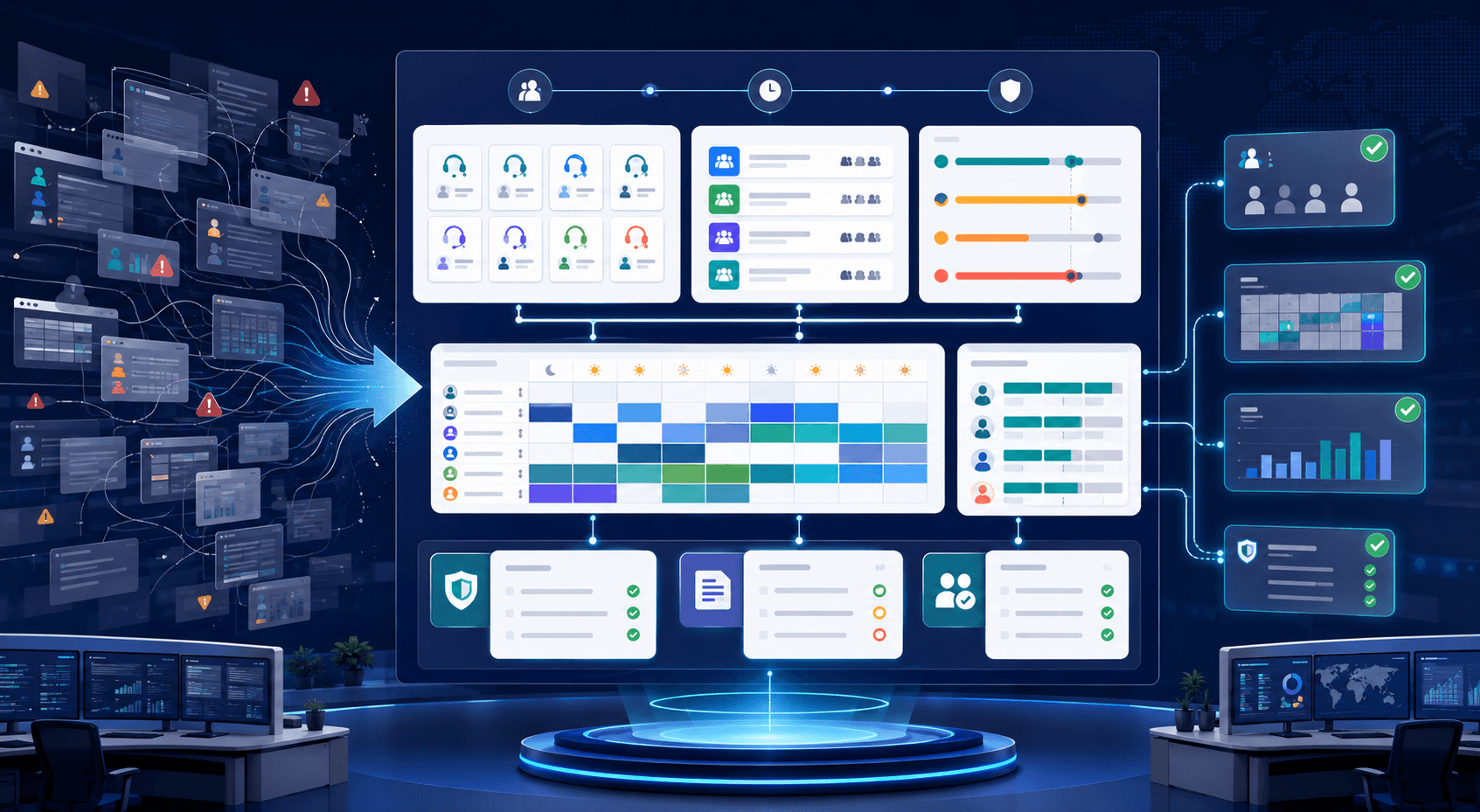
Genesys Cloud Workforce Management Configuration: From Setup to Scale
Ask most vendors what Genesys workforce management is, and you'll get the same answer: forecasting, scheduling, adherence, all wrapped in AI. That's accurate as far as it goes. It's also not what actually keeps a WFM admin up at night.
The harder question isn't what Genesys Cloud WFM does. It's what happens to the configuration behind it once real operations start pushing on it: new queues, new planning groups, shift bidding rules that need tweaking every quarter, adherence thresholds that get adjusted after every escalation. WFM in Genesys Cloud isn't a feature you turn on. It's a growing body of configuration that someone has to own, change safely, and explain after the fact when a schedule goes wrong.
This is the part of Genesys workforce management that product pages skip. Here's what it actually looks like to run it.
What Genesys Cloud Workforce Management Actually Configures
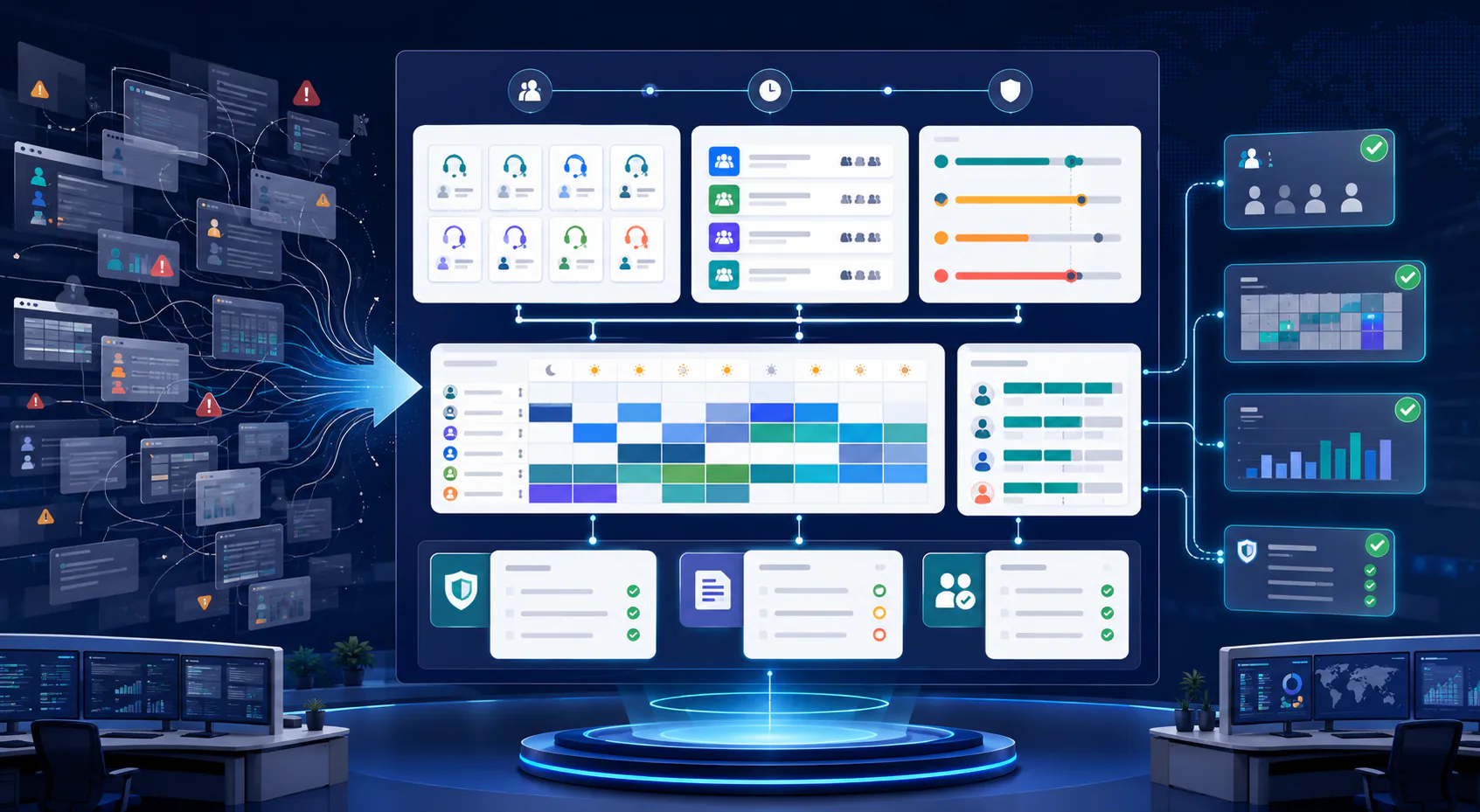
Workforce management in Genesys Cloud isn't one setting; it's a set of interdependent configuration layers, each of which can be changed independently and each of which can break the others.
Forecasting and Planning Groups
Forecasts in Genesys Cloud are built on planning groups, which map queues, media types, and skills into the units WFM actually forecasts against. Get the planning group structure wrong, whether too coarse, too granular, or misaligned with how queues actually route, and every forecast built on top of it inherits the error. Planning groups are also one of the most commonly touched objects when a contact center reorganizes its queues, which means forecast accuracy is quietly at risk every time routing changes, whether or not anyone remembers to check.
Scheduling Rules and Shift Bidding
Schedules are generated against business rules: shift length constraints, break and lunch rules, days-off patterns, and, increasingly, bidding rules that let agents rank shift preferences. These rules interact with each other in ways that aren't always obvious. A change to a break rule can silently shift adherence targets. A change to a bidding weight can shift which agents end up on undesirable shifts, with downstream effects on attrition that show up months later, long after anyone remembers what configuration change caused it.
Adherence and Real-Time Adherence Thresholds
Adherence configuration decides what counts as "on schedule" and how much variance is tolerated before an agent or supervisor gets flagged. These thresholds get adjusted more often than most teams admit, usually reactively, after a spike in false-positive alerts or a complaint from the floor. Each adjustment changes what adherence reporting means going forward, which matters a great deal if that reporting ever needs to hold up in a compliance review.
None of these layers exist independently. A queue change in Genesys Cloud Architect can invalidate a planning group. A planning group change can distort a forecast. A forecast change ripples into schedules. It's a dependency chain, and Genesys Cloud doesn't surface that chain to the person making the change.
Why Genesys Workforce Management Gets Fragile at Scale
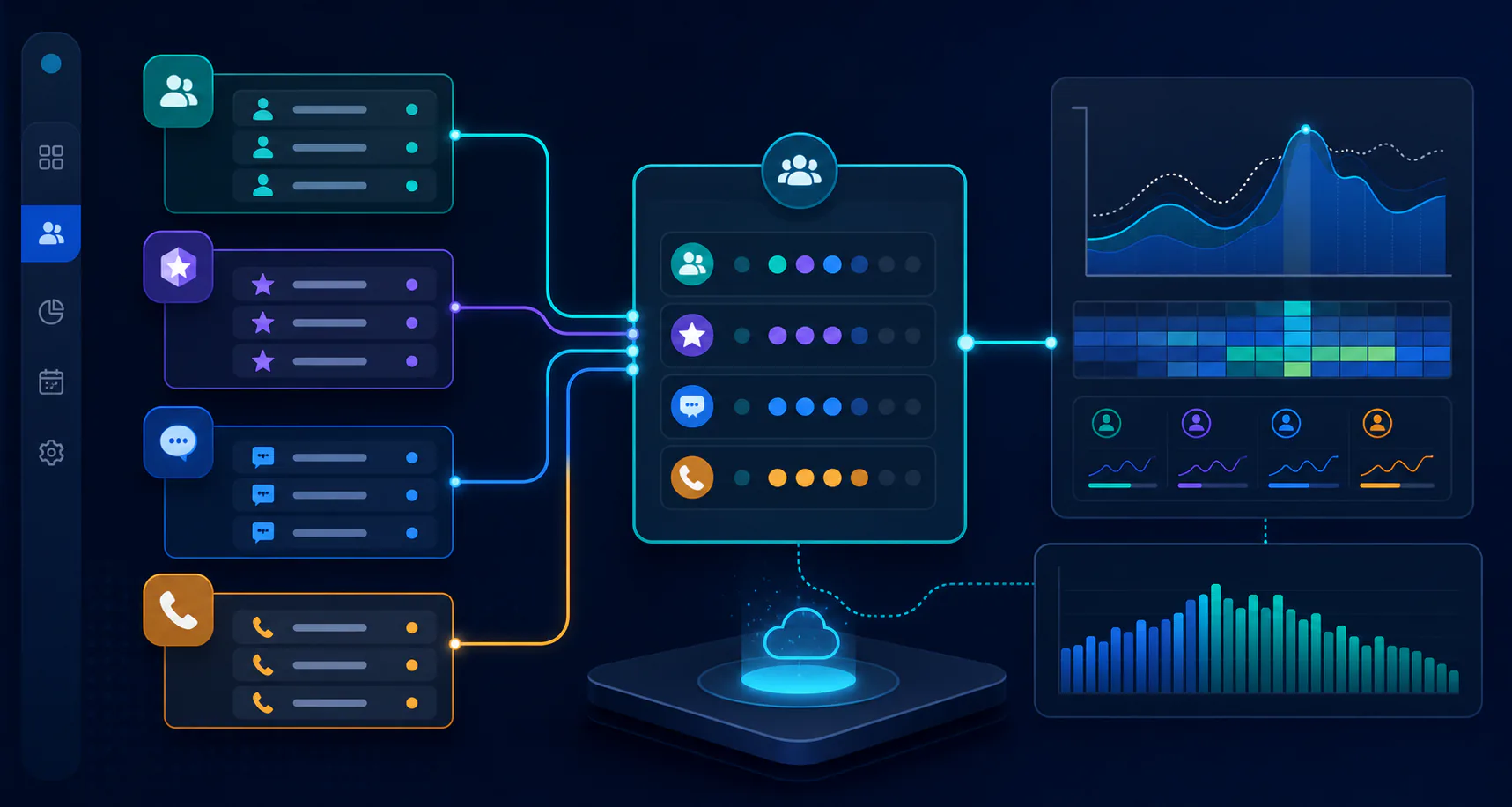
Small deployments can manage WFM configuration by memory. Larger ones can't, and the failure mode isn't dramatic; it's slow, quiet drift.
Configuration Sprawl Across Business Units and Queues
As organizations add business units, regions, or queues, WFM configuration multiplies with them. Each new planning group, schedule template, or adherence rule is usually copied from an existing one and adjusted, which means small inconsistencies compound over time. Two business units that were supposed to follow the same adherence standard drift apart because one team's threshold got tweaked eighteen months ago and nobody updated the other. At scale, nobody can hold the full picture of WFM configuration in their head, and Genesys Cloud's admin UI isn't built to show it to them either.
The Hidden Link Between WFM Config and Routing/Queue Changes
This is the failure mode that catches teams off guard: WFM configuration depends on routing and queue configuration that a different team usually owns. A contact center engineer renames a queue or restructures skill-based routing, with no reason to think about workforce management at all, and a planning group silently breaks, or a forecast starts training on the wrong historical data. The people making the routing change and the people who depend on WFM being accurate rarely talk to each other before the change ships. By the time the forecast looks wrong, the routing change is old news and hard to trace back to.
The Environment Problem: Testing WFM Changes Safely
Most Genesys Cloud deployments run production and at least one non-production org. Almost none of them test WFM configuration changes properly before they go live, not because teams don't care, but because the platform doesn't make it easy.
Why WFM Config Rarely Gets a Real UAT Pass
Testing a routing or IVR change in a non-production environment is relatively straightforward: you can push a test call through and observe what happens. Testing a WFM change is not. You can't run a forecast against next quarter's real volume ahead of time. You can't validate a new shift bidding rule without agents actually bidding on shifts. So in practice, WFM changes tend to go straight to production, get evaluated in-place, and get corrected reactively if the schedule that comes out the other end looks wrong.
What Breaks When Forecast or Schedule Rules Change Untested
The cost of that shortcut shows up downstream. A miscalibrated forecast produces a schedule that under-staffs a peak period. A shift rule change produces schedules agents reject through the bidding process, creating last-minute scrambling. An adherence threshold tightened without warning produces a wave of coaching conversations that have nothing to do with actual performance. None of these are catastrophic on their own, but each one erodes trust in the WFM system. Once agents and supervisors stop trusting the schedule, they start working around it, which defeats the purpose of having WFM at all.
Auditing Genesys Workforce Management Changes
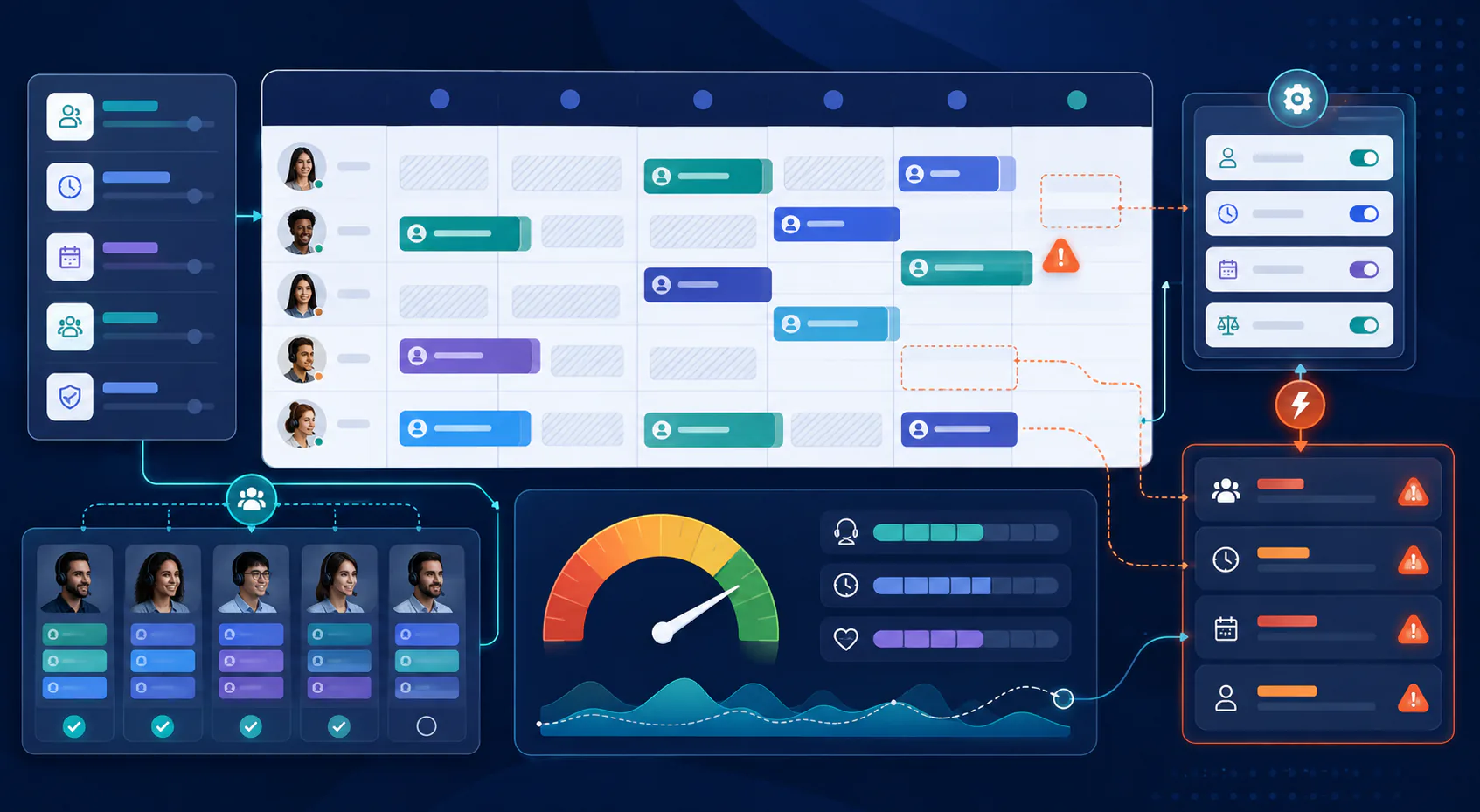
Eventually, someone asks: why did this schedule come out wrong, and who changed the rule that caused it? Answering that question is harder in Genesys Cloud WFM than it should be.
Who Changed What, and Why It's Hard to Answer Today
Genesys Cloud's native audit visibility into WFM configuration changes is limited compared to what teams need for real incident review. Knowing that a planning group or adherence rule changed is one thing; knowing who changed it, when, what the previous value was, and why is a different level of detail. That level of detail is usually what's missing when a post-incident review actually needs it. Without it, WFM troubleshooting turns into asking around and hoping someone remembers.
What a Proper Audit Trail Looks Like
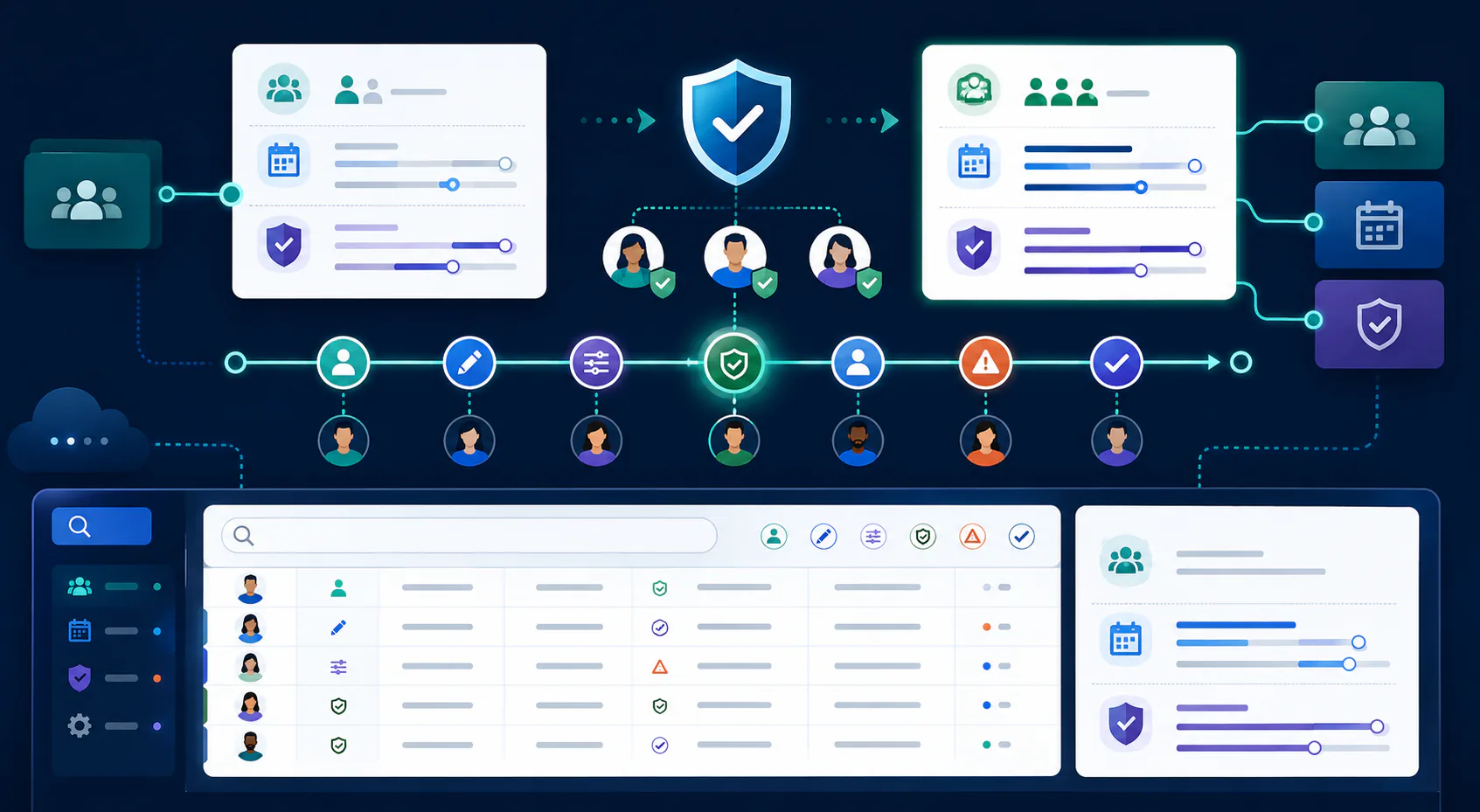
A real audit trail for WFM configuration captures the full context of a change: the object changed, the before and after values, who made the change, when, and ideally why, tied to a change record rather than left to institutional memory. That's the same standard ISO 27001 applies to any other production system holding operational data, and contact center configuration deserves it just as much as routing or IVR logic does. Without that trail, every WFM incident review starts from zero.
Bringing Configuration Management Discipline to Genesys Cloud WFM
The pattern across all of this is the same one that shows up everywhere in Genesys Cloud administration: WFM configuration is treated as a set of settings to tweak in the admin UI, when it behaves more like code: interdependent, version-sensitive, and consequential when it changes without review.
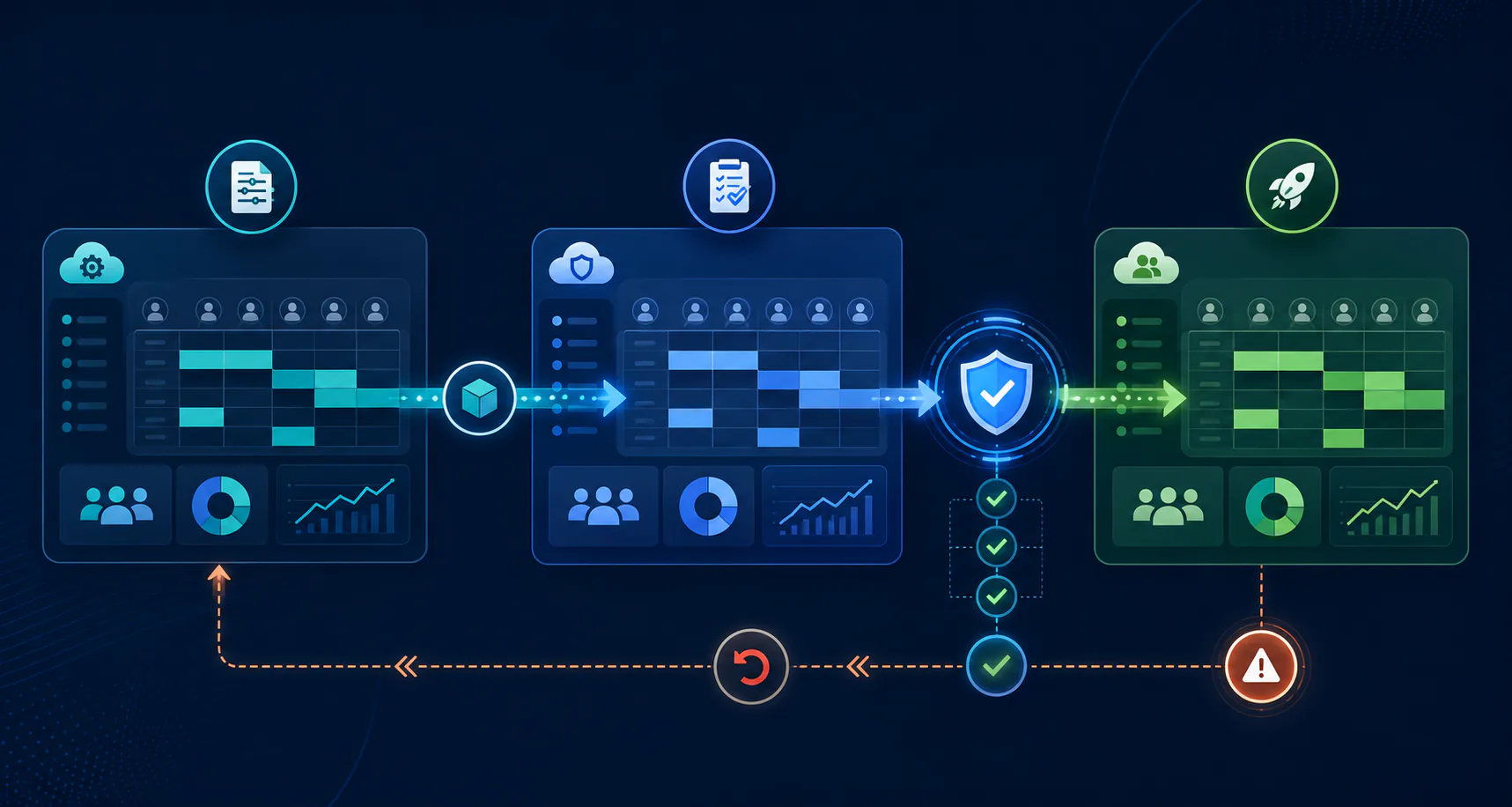
Treating it that way means a few concrete things: keeping a change history that survives longer than institutional memory, validating changes to planning groups and scheduling rules against a non-production environment before they reach agents, and being able to answer "what changed and who changed it" without reconstructing the story from Slack messages.
This is precisely the gap InProd was built to close for Genesys Cloud configuration generally: full audit trails with before-and-after values, environment promotion with validation gates, and drift detection that catches configuration changes made outside a governed process. Applied to workforce management specifically, it means forecast structures, scheduling rules, and adherence thresholds get the same rigor as any other configuration that determines whether a contact center runs smoothly or not.
FAQ
What is WFM in Genesys?
WFM (workforce management) in Genesys Cloud is the set of tools and configuration that forecast contact volume, generate agent schedules, and track schedule adherence. It's built on planning groups, forecasting models, scheduling rules, and adherence thresholds that map to the contact center's queues and skills.
Is Genesys a CRM system?
No. Genesys Cloud is a cloud contact center and experience orchestration platform. It handles routing, IVR, workforce management, and omnichannel interactions. It's commonly integrated with CRM systems like Salesforce, but it isn't one itself.
Who owns Genesys?
Genesys is a privately held company (Genesys Cloud Services, Inc.), backed by private equity investors including Permira and Hellman & Friedman. It isn't a subsidiary of another software vendor.
Is Genesys a good company to work for?
That varies by role, team, and location, as it does at most large software companies. It's worth checking current employee reviews on sites like Glassdoor for an up-to-date picture rather than relying on general reputation.
Book a call to see how InProd brings audit trails, environment promotion, and drift detection to Genesys Cloud workforce management configuration.

Jarrod Neven
Contact Center Expert, Director at InProd Solutions
Jarrod has been working in the enterprise CX space since 2001. Before starting InProd, he spent several years as a CTI Solutions Architect at Genesys itself, working across the APAC region with enterprise and government customers, which gives him a different perspective on how their platforms actually work under the hood. He's been Director at InProd Solutions since 2016, helping organizations cut through the complexity of Genesys Engage deployments.