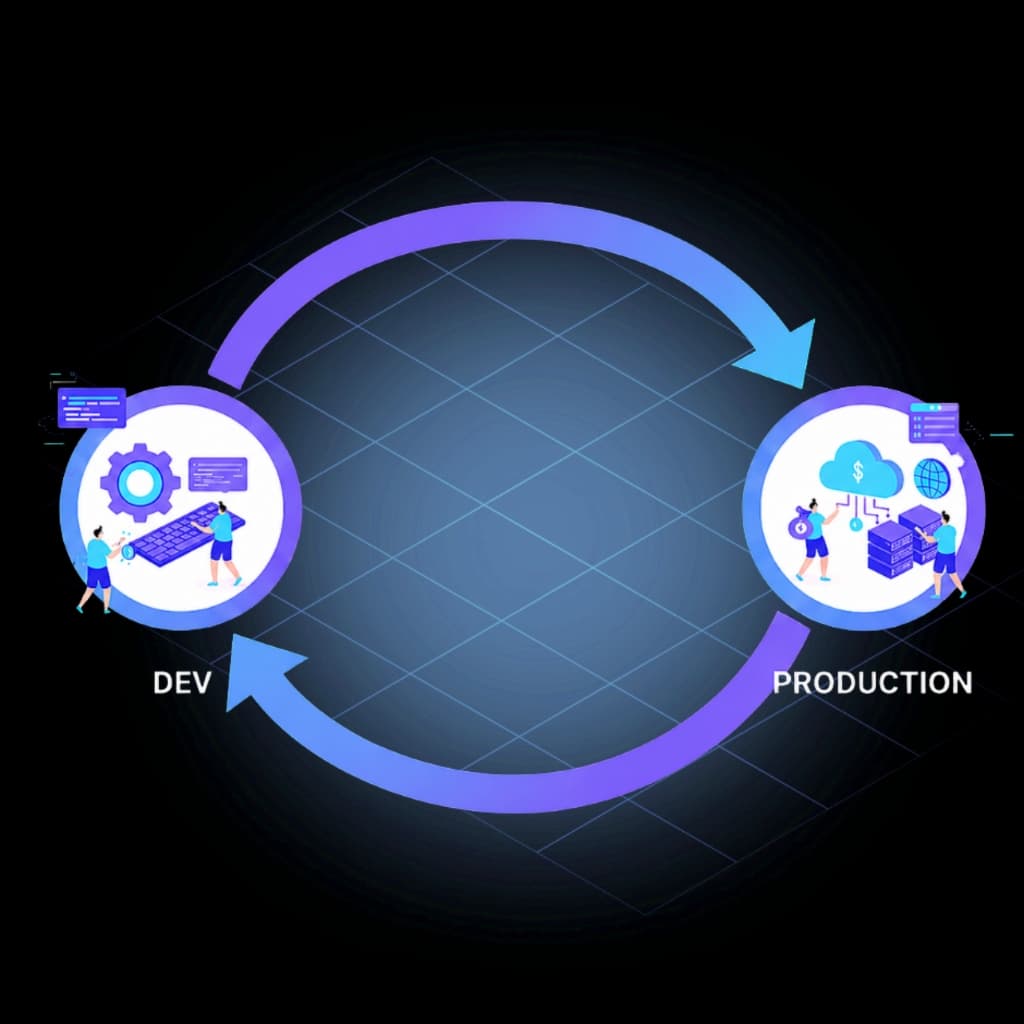
Genesys Cloud CI/CD with Bitbucket.
Trigger InProd changeset validation and deployment from Bitbucket Pipelines — with deployment environment gates, manual promotion steps, Simulate Run before every environment, and deployment evidence at every stage of your Genesys Cloud Bitbucket CI/CD pipeline.
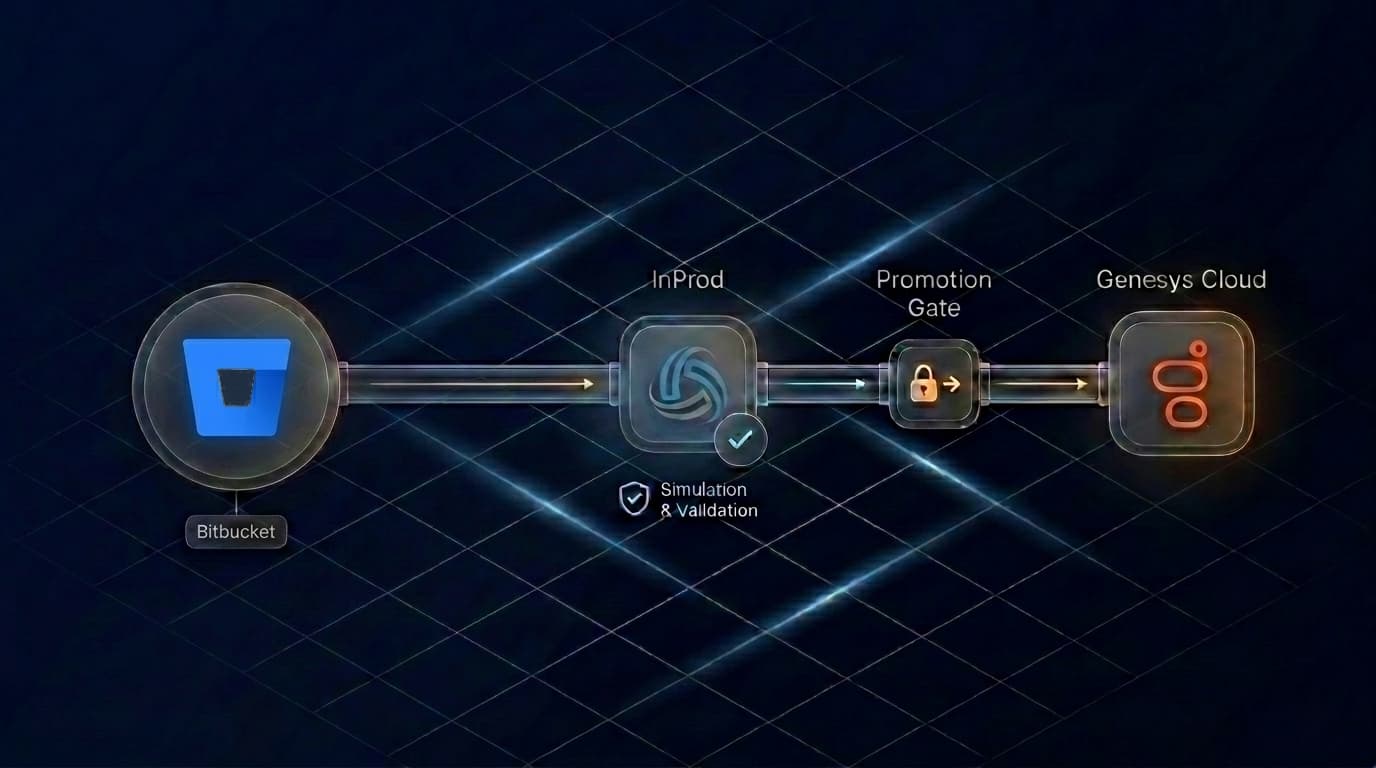








Step-by-step implementation guide
How to build Genesys Cloud CI/CD with Bitbucket Pipelines and InProd — PR validation, deployment environment variables, audit records, and rollback strategy.
How It Works
Three steps from a reviewed change to a recorded production deployment.
Define changes as an InProd changeset
Package your Genesys Cloud configuration changes — routing flows, queue definitions, skill mappings, data actions — into governed deployment units managed in InProd and triggered from your Bitbucket repository.
Validate on every pull request
Automatically run Simulate Run on every PR using INPROD_VALIDATE_ONLY. InProd reports exactly what would change in the target environment before anything is merged.
Promote through Dev, UAT, and Production with manual gates
Use Bitbucket's manual trigger steps and deployment environments to move the same changeset through environments — with named deployment targets and InProd handling environment-aware variable mapping at each stage.
What You Get
PR-triggered validation
Every Genesys Cloud configuration change is automatically verified against the live target environment as part of your Bitbucket review process — not after it reaches production.
Deployment environment gates
Map InProd environments to Bitbucket's native deployment targets. Manual steps require explicit trigger before promoting to UAT or Production.
Simulate Run before each environment
InProd executes a pre-deployment simulation showing exactly what will be created, updated, or deleted — including environment-specific differences a standard diff cannot detect.
Pipeline artifacts for deployment evidence
inprod-result.json and inprod-results.env are declared as artifacts after every run, providing an immutable deployment record available directly from the Bitbucket Pipelines UI.
Rollback from pipeline or InProd UI
Revert to a previous state using InProd's point-in-time restore — without manual reconstruction of what the configuration was before the change.
Works With Your Existing Bitbucket Setup
No custom infrastructure required. InProd runs via npx @inprod.io/run-changesets in any Bitbucket pipeline step. Your existing deployment environments, branch rules, and repository variable configuration all apply — InProd adds Genesys Cloud-specific validation and deployment governance on top of the pipeline you already run.
This makes it straightforward to add CX as Code deployments to a Bitbucket workflow your team already understands.
New to the InProd pipeline model? See how the five-stage Genesys Cloud CI/CD pipeline works →
Bitbucket Pipelines vs GitLab CI vs GitHub Actions
InProd runs the same governed Genesys Cloud deployment workflow on every platform. The right choice depends on where your team already works.
Bitbucket Pipelines
You are hereBest fit for teams already using the Atlassian stack — Jira for issue tracking, Confluence for documentation, Bitbucket for code review. Deployment environment gates and manual trigger steps work with existing repository variable configuration.
- Native Jira and Confluence integration
- Deployment environment gates with manual trigger steps
- Artifact evidence captured directly in the Bitbucket UI

GitLab CI
Best fit for teams running GitLab as their single platform for source control and CI/CD. MR-native approvals, protected environments, and a published pipeline template — works with self-hosted GitLab and GitLab.com with no custom runner configuration.
- MR-triggered validation native to GitLab
- Self-hosted or GitLab.com — same template either way
- Protected environment gates in GitLab settings

GitHub Actions
Best fit when changeset files live in the same GitHub repository as application code. Pull request reviews, protected environment approvals, and GitHub Secrets are already in place — the InProd action is published on the GitHub Marketplace.
- PR-triggered validation native to GitHub
- Protected environments enforce approval before production
- Marketplace action — no custom infrastructure
Frequently Asked Questions
Why use Bitbucket Pipelines for Genesys Cloud deployments instead of manual promotion?
Manual promotion relies on engineers replicating the same steps correctly across Dev, UAT, and Production every time. Bitbucket Pipelines enforces the same process on every release — validation runs on every PR, deployment environment gates require explicit trigger before promotion, and every run captures an artifact record. The pipeline removes the process variability that causes most configuration-related incidents.
How do deployment environment gates work in Bitbucket Pipelines?
Bitbucket's deployment field maps a pipeline step to a named deployment target (test, staging, production). Combined with trigger: manual, this ensures only authorized team members can initiate UAT and Production deployments. InProd handles the Genesys Cloud configuration execution within those gated steps.
What is the difference between Bitbucket Pipelines and GitLab CI for Genesys Cloud?
Both platforms run the same InProd changeset execution and produce the same Dev to UAT to Production promotion flow. Bitbucket Pipelines is the right choice for teams whose repositories and code review workflow are already on Atlassian. GitLab CI is typically preferred by teams running self-hosted Git with native merge request approvals. The InProd deployment behaviour is identical across both.
Does this work with CX as Code and Terraform?
Yes. InProd sits alongside your CX as Code and Genesys Cloud Terraform workflows. Terraform manages desired-state definitions; InProd governs the deployment lifecycle — Simulate Run, promotion gates, drift detection, and the audit trail. The Bitbucket pipeline can trigger both Terraform applies and InProd changeset deployments within the same stages.
Need the full pipeline picture? Genesys Cloud CI/CD Pipeline →
Your Genesys Cloud Bitbucket CI/CD Pipeline, Governed.
Every configuration change validated on PR, promoted through manual gates, and recorded as a pipeline artifact — before the next incident forces the issue.
Book a Consultation